Access & guest
SA-Access Gate
A better welcome starts at the gate.
Connect Face ID, palm, RFID and barcode check-in to the guest record. Check the guest’s entitlement, show the access decision and open the separate swing arm while the smoked CARD pane stays fixed.
- Face ID, palm, RFID and barcode
- Time and location entitlements
- Separate pivoting access arm
Scroll to explore SA-Access Gate ↓
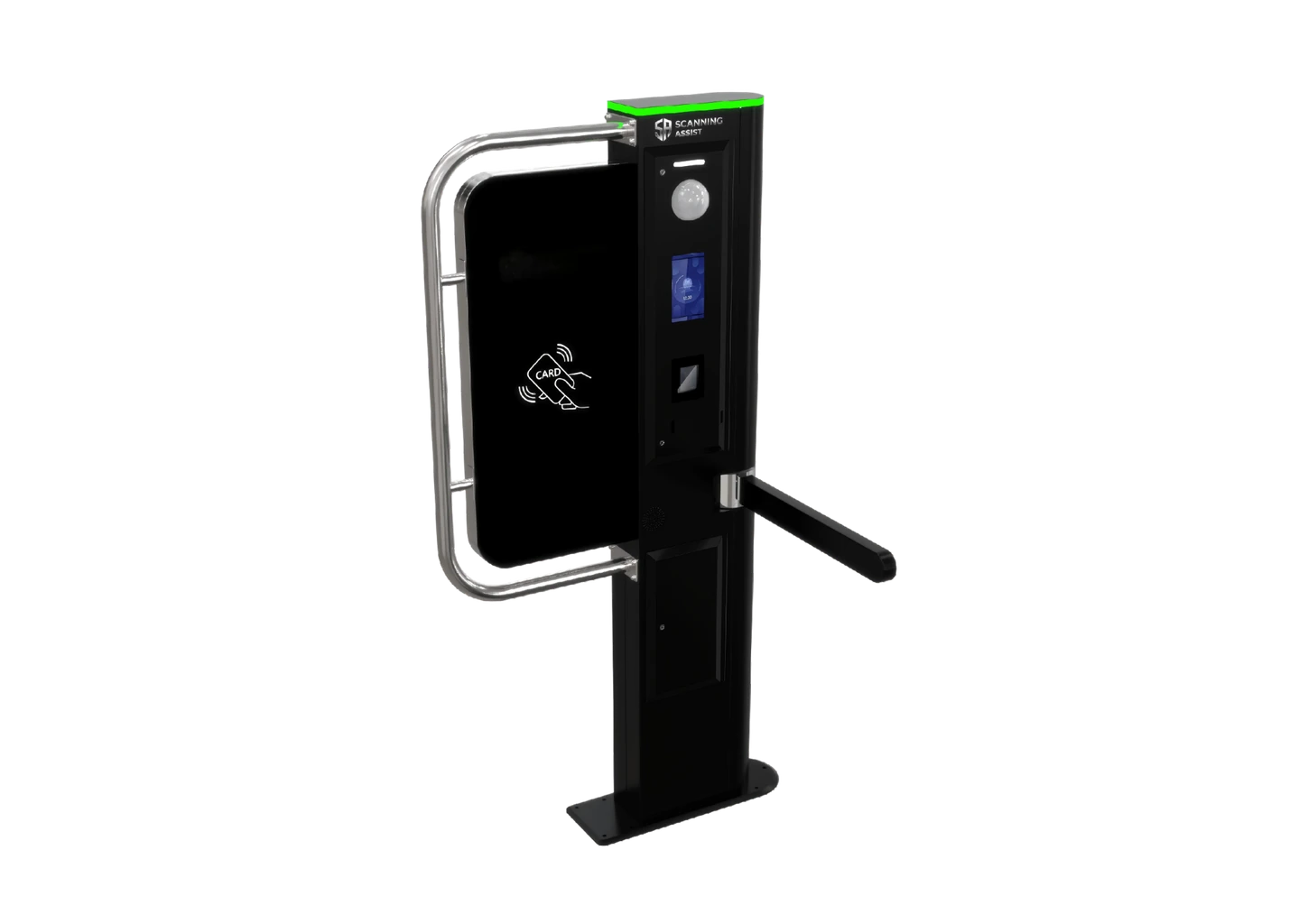
SA-Access Gate · Use case 1
Waterpark arrivals
Use the black SA-Access Gate at the entrance to check the guest’s admission. Configure Face ID, palm, RFID or barcode entry for the lane; the status light and separate swing arm show the access decision.
- Guest approach and queue space
- Configured Face ID, palm, RFID or barcode entry
- Clear passage and staff assistance
Waterpark entrance example
Plan SA-Access Gate for your site ↗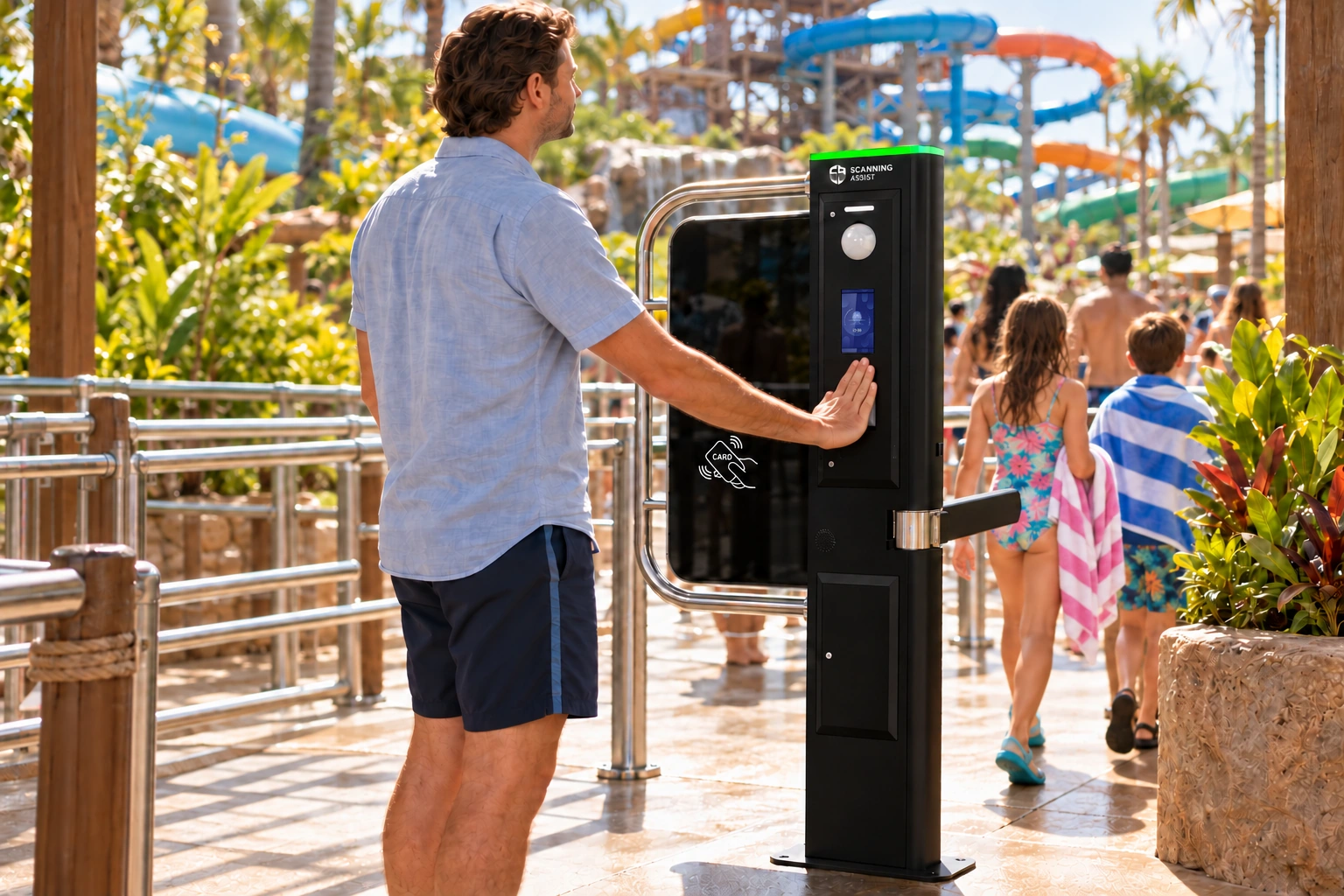
SA-Access Gate · Use case 2
Ski-lift access
Arrange the white SA-Access Gates in lift-entry lanes. Plan the approach around winter equipment and the configured Face ID, palm, RFID or barcode check, with the time and location permissions used at that lift.
- Lane layout and equipment clearance
- Lift-specific access permissions
- Power, connectivity and staff support
Ski-lift entry example
Plan SA-Access Gate for your site ↗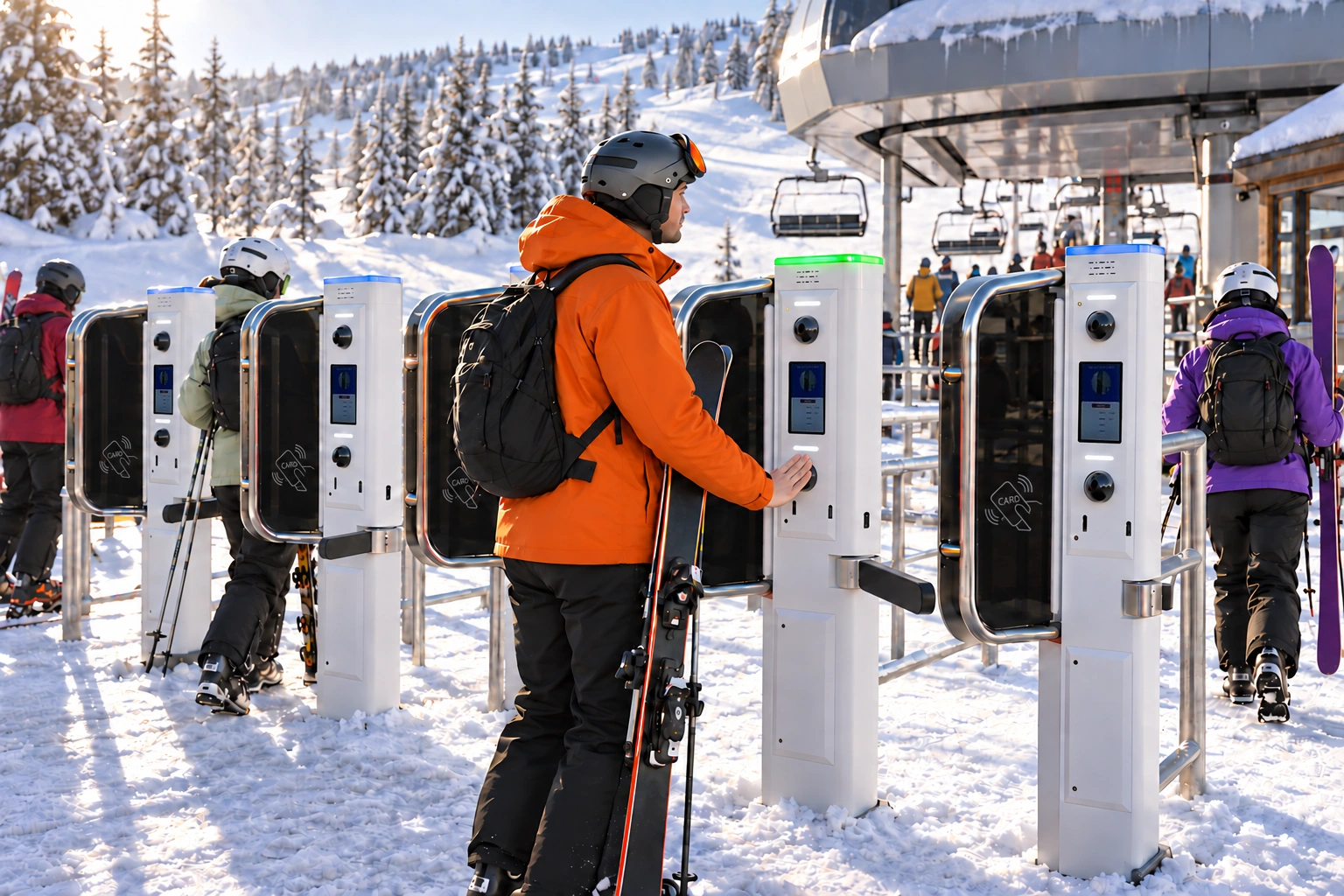
SA-Access Gate · Workflow & placement
Face and palm check-in becomes an access record.
- 01Use the configured Face ID, palm, RFID or barcode credential.
- 02Check the identity, entitlement, location and time.
- 03Show the access decision, open the arm when permitted and record the entry.
Design the arrival lane.
Plan the gate around your entrance, guest approach and staff response point. The mechanical layout and access workflow need to work together.
- Lane position, arm movement and clearances
- Supported credentials and entry rules
- Power, connectivity and staff assistance
Explore the details
SA-Access Gate portfolio
Hardware, settings and example use cases. Open any image for a closer look.
Bring it to your property
Plan SA-Access Gate for your property.
Tell us where you want to use SA-Access Gate. We’ll review its placement, setup and supported workflow with your team.
- ✓ We typically respond the same business day.
- $299/mo for a single facility. Hardware quoted separately.

Hardware, deployment and supported features are confirmed in your site quote.
