Alerts & response
SA-Alert Pro
A clear way to ask for the right help.
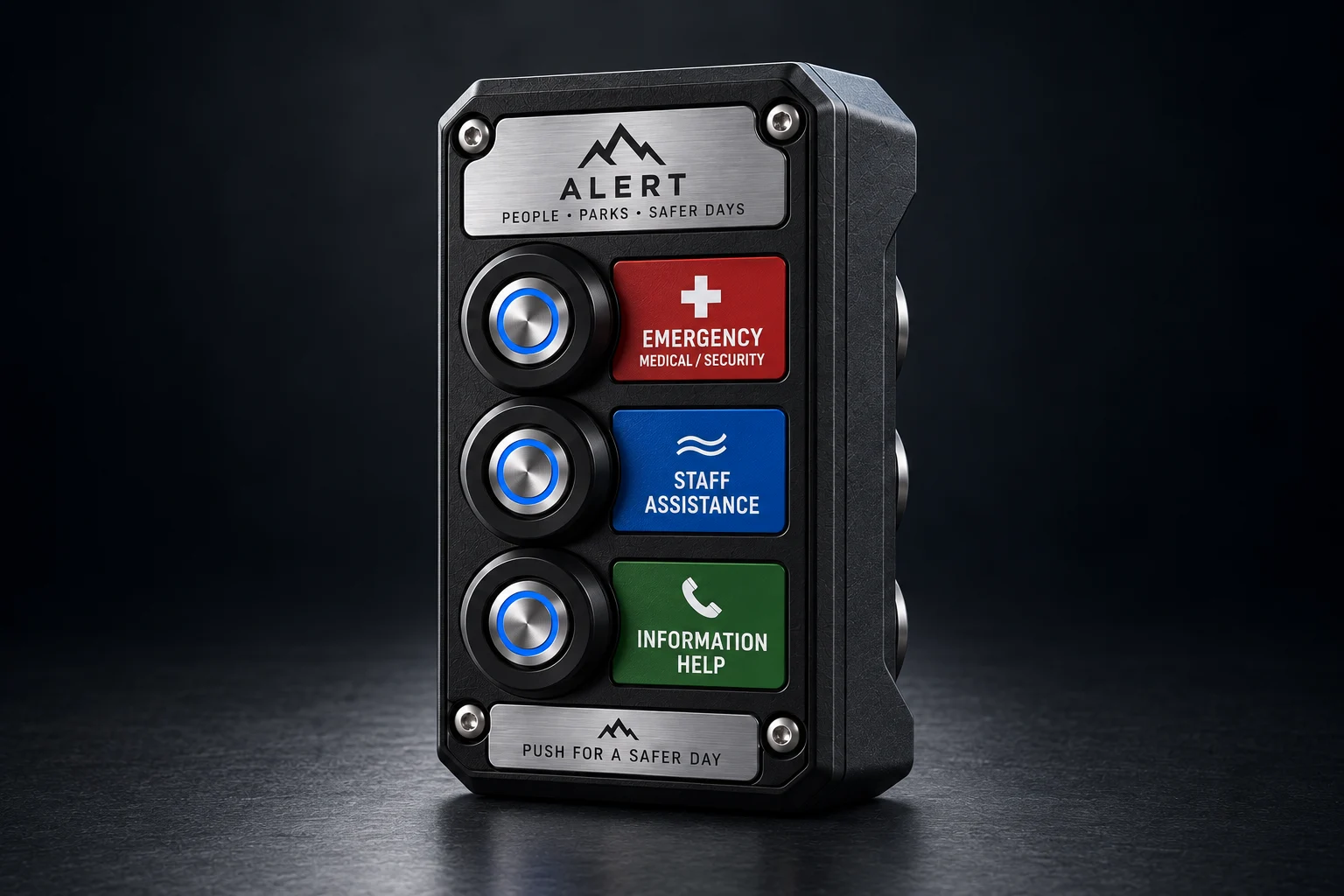
A fixed rectangular station with distinct emergency, staff-assistance and information controls. Put a visible point of contact where guests and staff may need support.
- Three distinct physical controls
- Fixed location context
- Configured staff response
Scroll to explore SA-Alert Pro ↓
SA-Alert Pro · Use case 1
Waterpark assistance points
Place SA-Alert Pro at a visible point along a waterpark walkway. Its three physical controls distinguish emergency, staff-assistance and information requests within the configured response procedure.
- Reachable position and clear labels
- Station location in each request
- Recipients and acknowledgment procedure
Waterpark assistance-point example
Plan SA-Alert Pro for your site ↗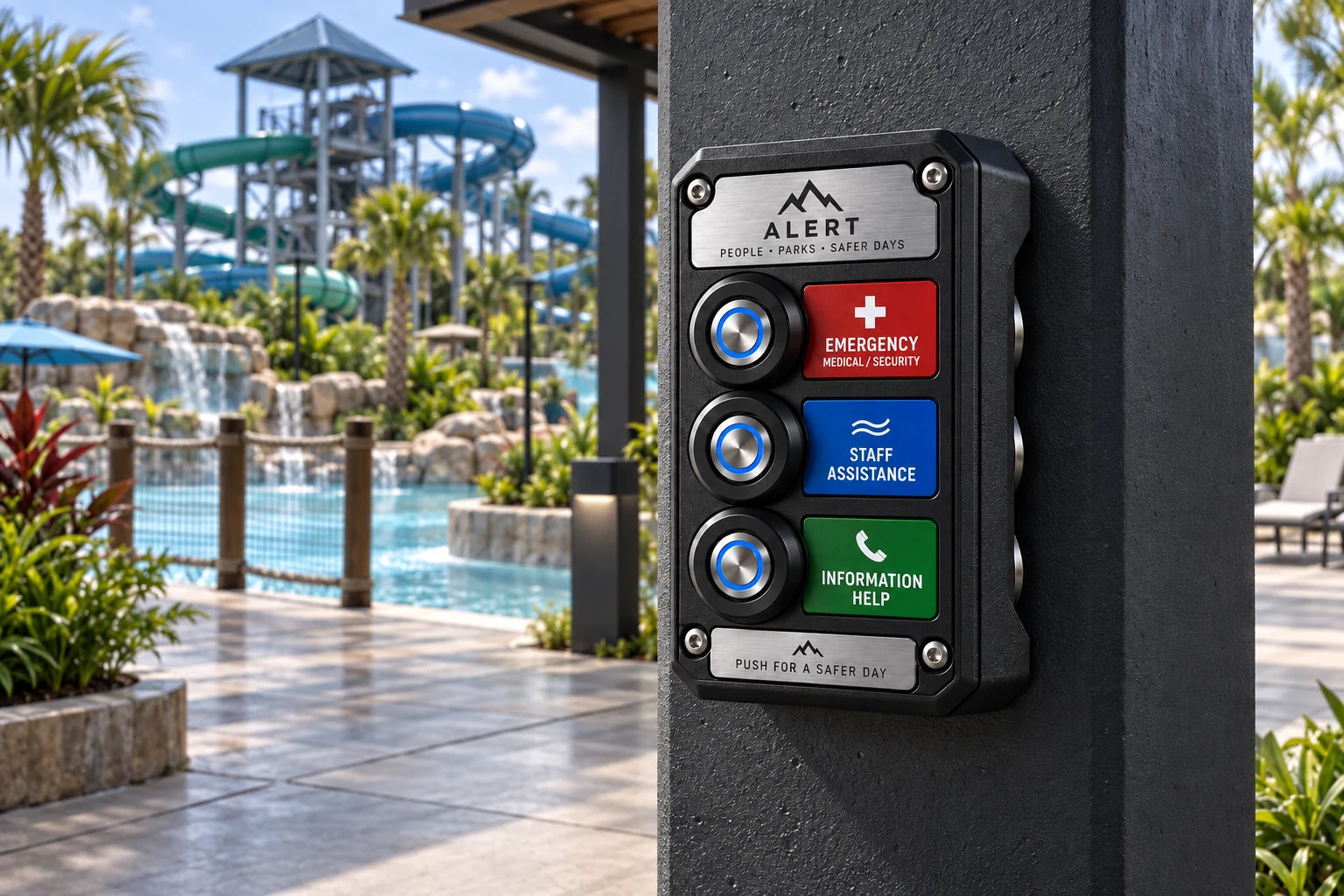
SA-Alert Pro · Use case 2
Lodge guest assistance
Give a lodge's shared area a clearly identified SA-Alert Pro assistance point. Define who receives each type of request and how staff acknowledge, respond and follow up from that location.
- Visible fixed station placement
- Request routing for the location
- Staff coverage and escalation
Lodge assistance-point example
Plan SA-Alert Pro for your site ↗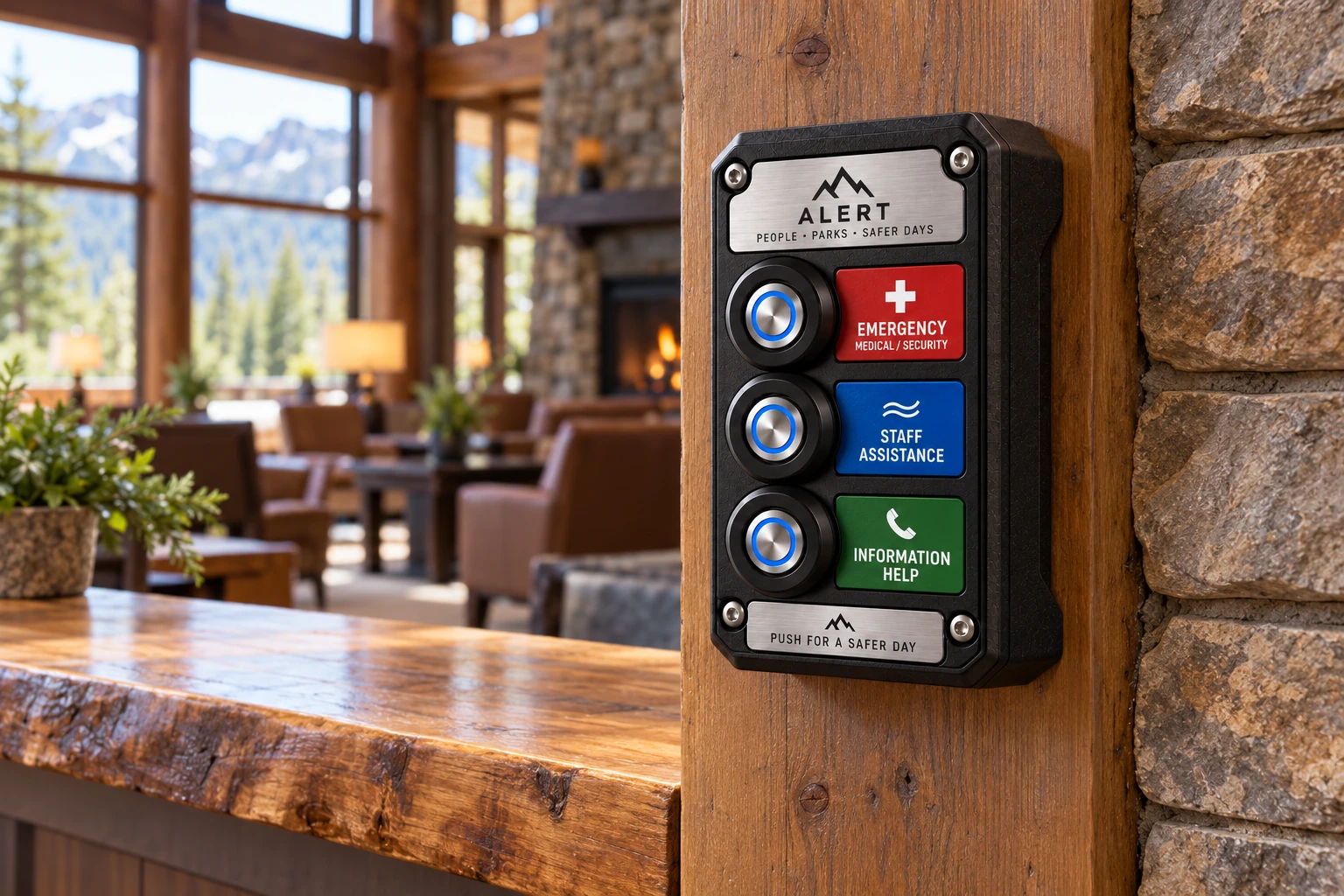
SA-Alert Pro · Workflow & placement
The request carries its location.
- 01Place the station in a defined property location.
- 02Activate the appropriate physical control.
- 03Route the request through the configured response workflow.
Put assistance within reach.
Plan visible, reachable positions and clear local instructions. The station’s value depends on the response procedure behind each button.
- Visibility and reachable placement
- Location and request routing
- Staff acknowledgment and escalation
Explore the details
SA-Alert Pro portfolio
Hardware, settings and example use cases. Open any image for a closer look.
Bring it to your property
Plan SA-Alert Pro for your property.
Tell us where you want to use SA-Alert Pro. We’ll review its placement, setup and supported workflow with your team.
- ✓ We typically respond the same business day.
- $299/mo for a single facility. Hardware quoted separately.

Hardware, deployment and supported features are confirmed in your site quote. Equipment supports trained teams and does not replace supervision or required safety procedures.
