Aquatic safety
SA-Guard
A wider view of the water.
Bring an above-water perspective into your defined-zone monitoring workflow. Camera context and configured event signals help trained teams understand what needs their attention.
- Above-water perspective
- Configured zone monitoring
- Live camera context
Scroll to explore SA-Guard ↓
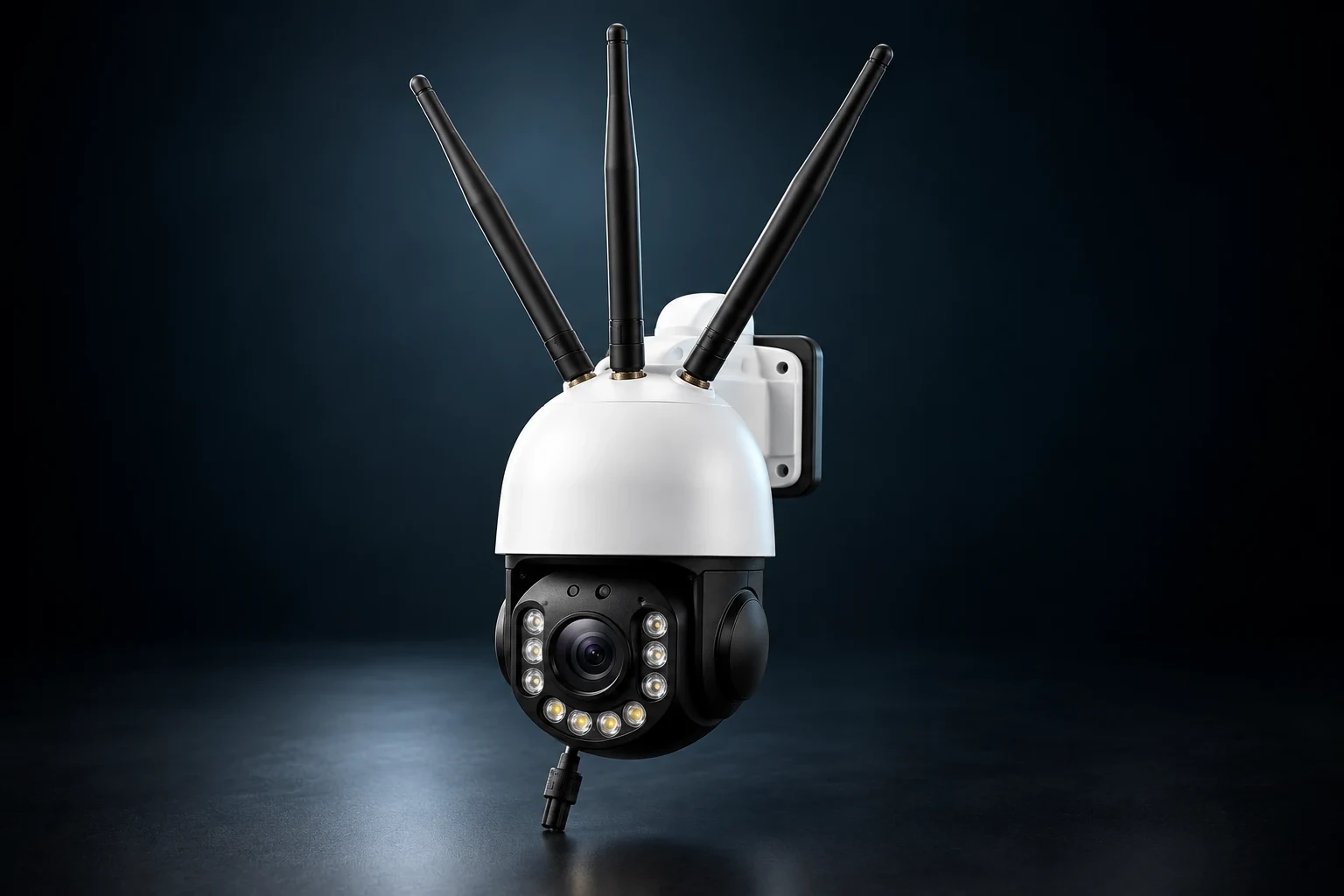
SA-Guard · Use case 1
Pool-deck visibility
Mount SA-Guard above the water to bring a defined deck and surface view into the monitoring workflow. Review the position against glare, obstructions and the zones assigned to trained staff.
- Deck and surface sightlines
- Mounting position, power and network
- Zone definitions and staff response
Waterpark pool-zone example
Plan SA-Guard for your site ↗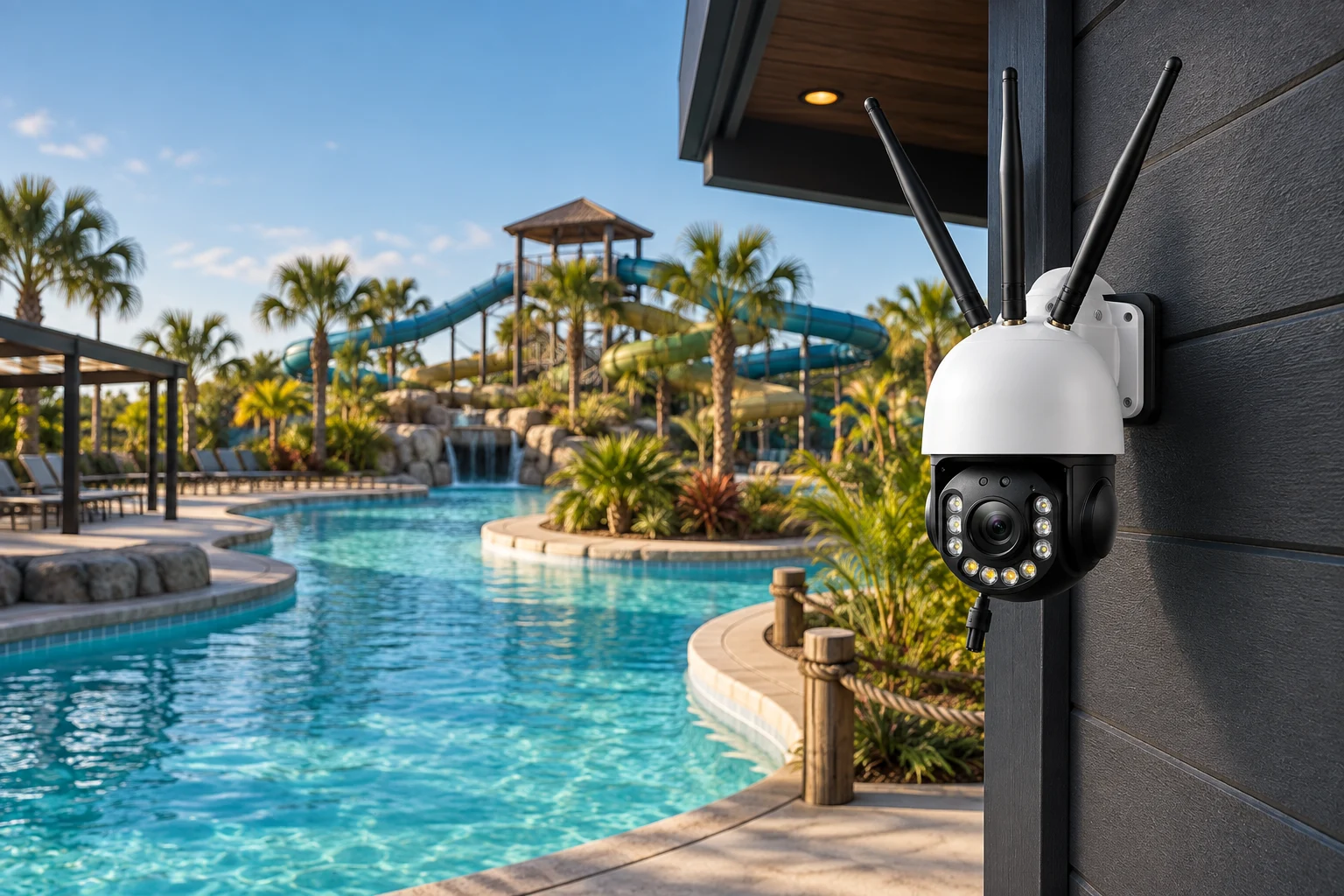
SA-Guard · Use case 2
Indoor pool sightlines
Plan SA-Guard views around an indoor pool’s deck, edges and surface. Assess reflections, building features and changing activity before confirming the camera position and the zones it supports.
- Indoor mounting position and pool geometry
- Reflections and obstructed sightlines
- Configured event context for staff
Indoor pool-deck example
Plan SA-Guard for your site ↗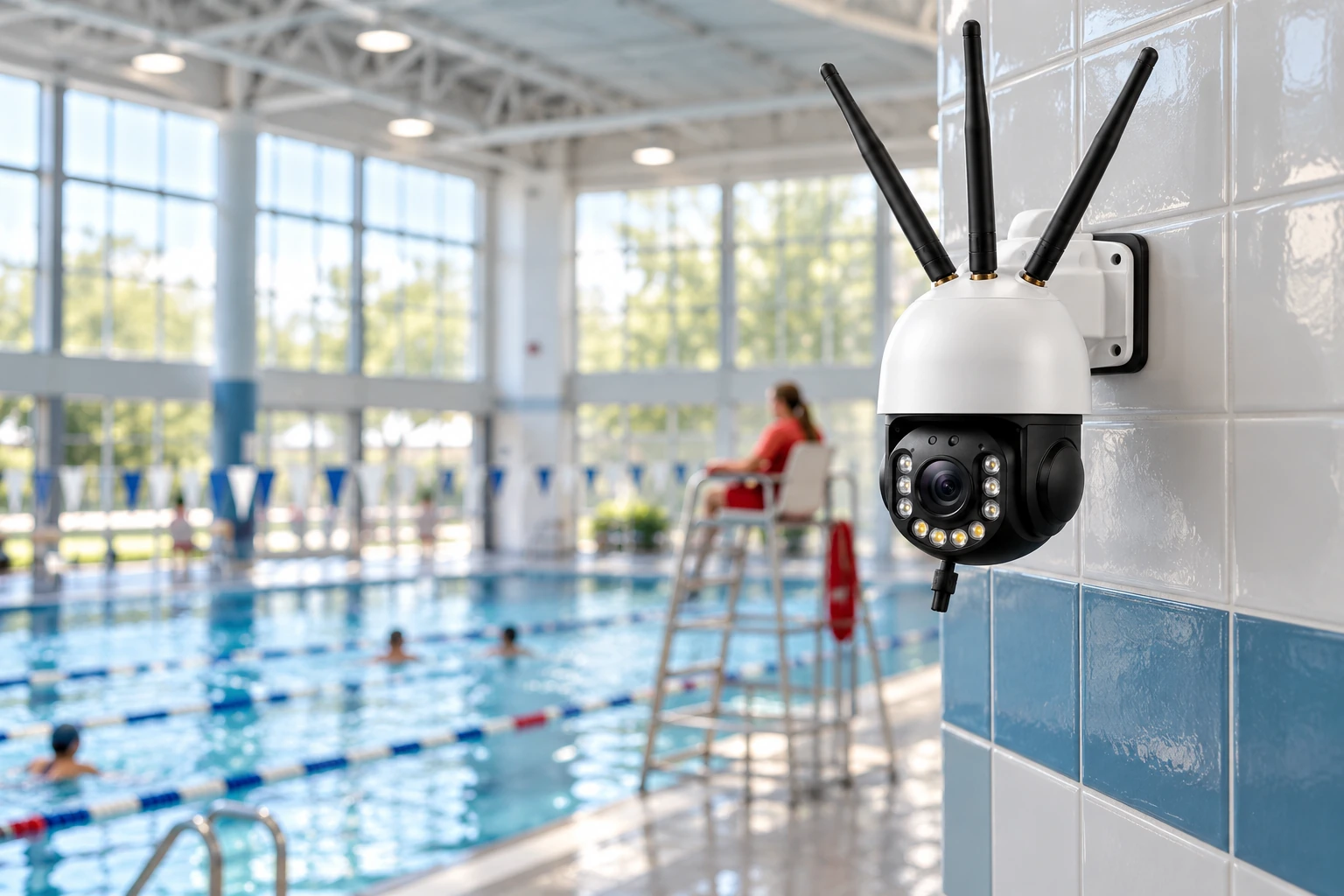
SA-Guard · Workflow & placement
A camera view with zone context.
- 01Map the deck, sightlines and monitoring zones.
- 02Connect the above-ground camera to the platform.
- 03Route configured event context to designated staff.
Plan the sightline before the mount.
Assess glare, obstructions and changing activity around the water. Use the above-water view alongside staff supervision and the other perspectives in your plan.
- Deck and surface sightlines
- Mounting position, power and network
- Defined zones and designated response staff
Explore the details
SA-Guard portfolio
Hardware, settings and example use cases. Open any image for a closer look.
Bring it to your property
Plan SA-Guard for your property.
Tell us where you want to use SA-Guard. We’ll review its placement, setup and supported workflow with your team.
- ✓ We typically respond the same business day.
- $299/mo for a single facility. Hardware quoted separately.

Hardware, deployment and supported features are confirmed in your site quote. Equipment supports trained teams and does not replace supervision or required safety procedures.
