Aquatic safety
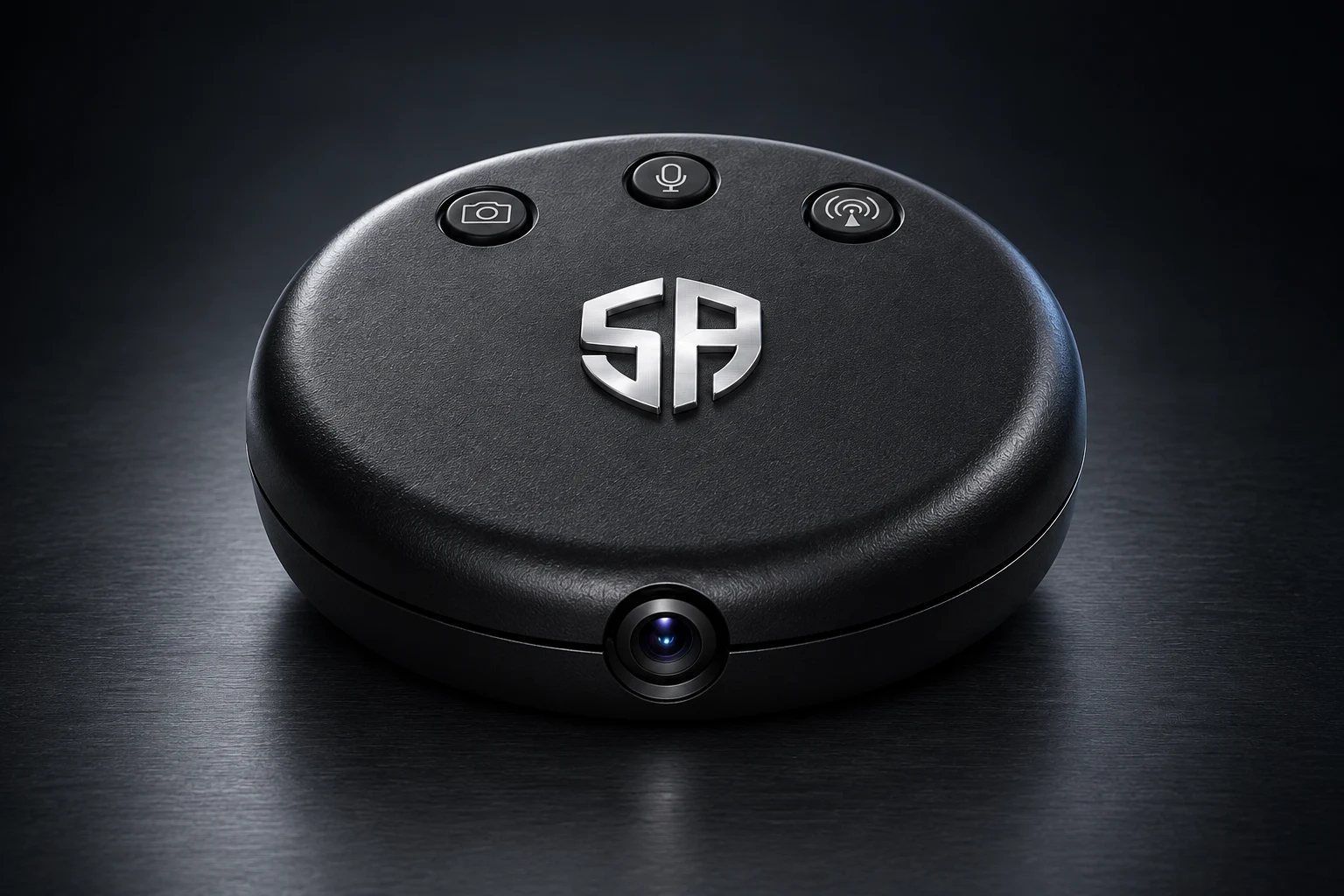
SA-Guard Pro
Turn everyday scanning into coaching context.
A visor-mounted wearable that tracks head movement during water scanning. Connect scan-pattern records and camera context to the supervisor's review of consistency across the shift.
- Visor-mounted head-movement tracking
- Camera and scan-pattern context
- Supervisory review and coaching
Scroll to explore SA-Guard Pro ↓
SA-Guard Pro · Use case 1
Scanning during a guard assignment
Fit SA-Guard Pro to the visor brim and associate it with the guard's assignment. Head-movement records and available camera context give the supervisor information to review scanning across the shift.
- Visor mounting and device checks
- Guard and monitoring-zone assignment
- Available scan-pattern records
A guard assignment with SA-Guard Pro
Plan SA-Guard Pro for your site ↗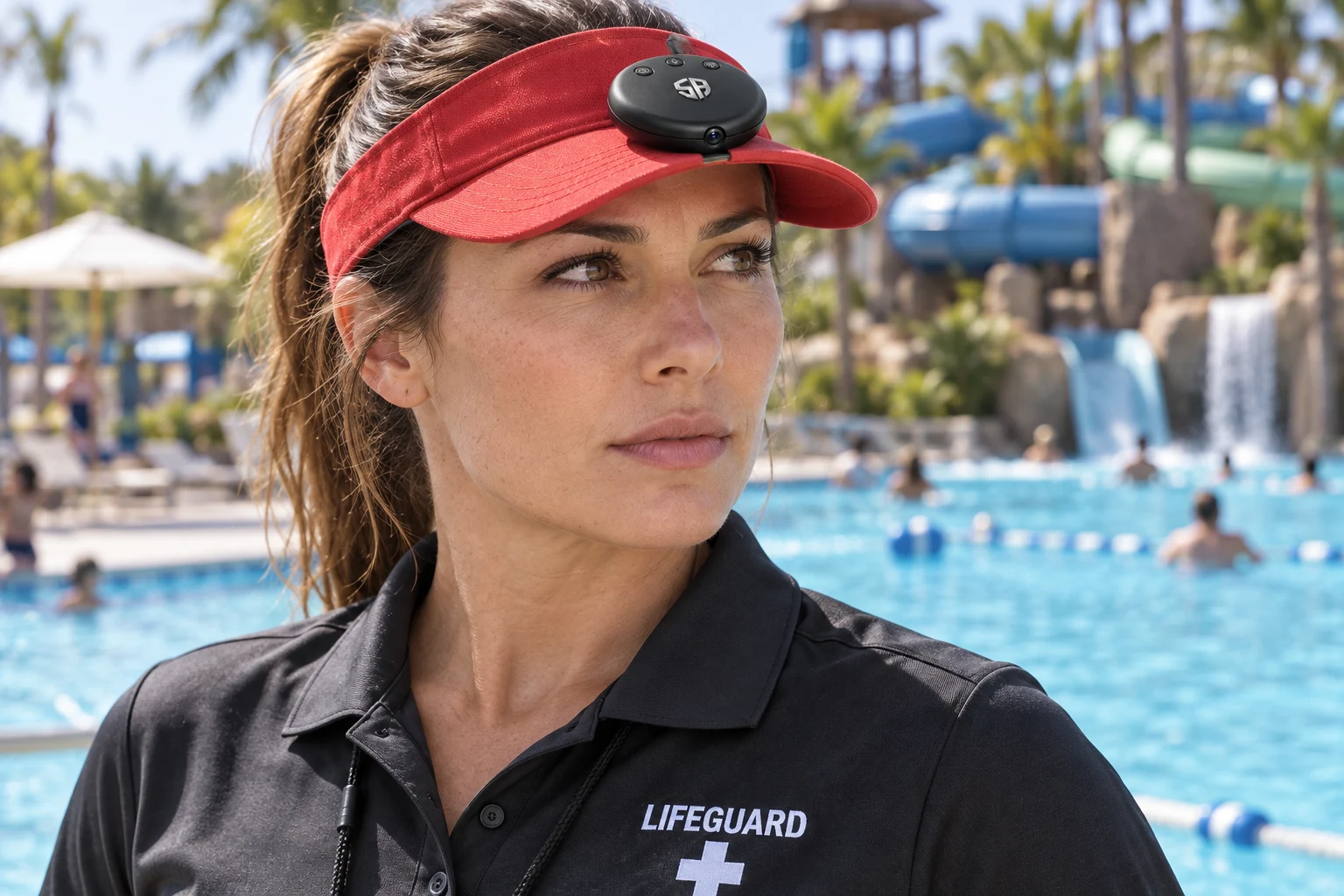
SA-Guard Pro · Use case 2
Supervisor coaching sessions
Use SA-Guard Pro records as context for a focused coaching conversation. Review the available scanning patterns within the assigned zone and connect the observations to the team's supervision procedures.
- A defined review period
- Scanning consistency in the assigned zone
- Coaching notes and follow-up
Supervisor-coaching example
Plan SA-Guard Pro for your site ↗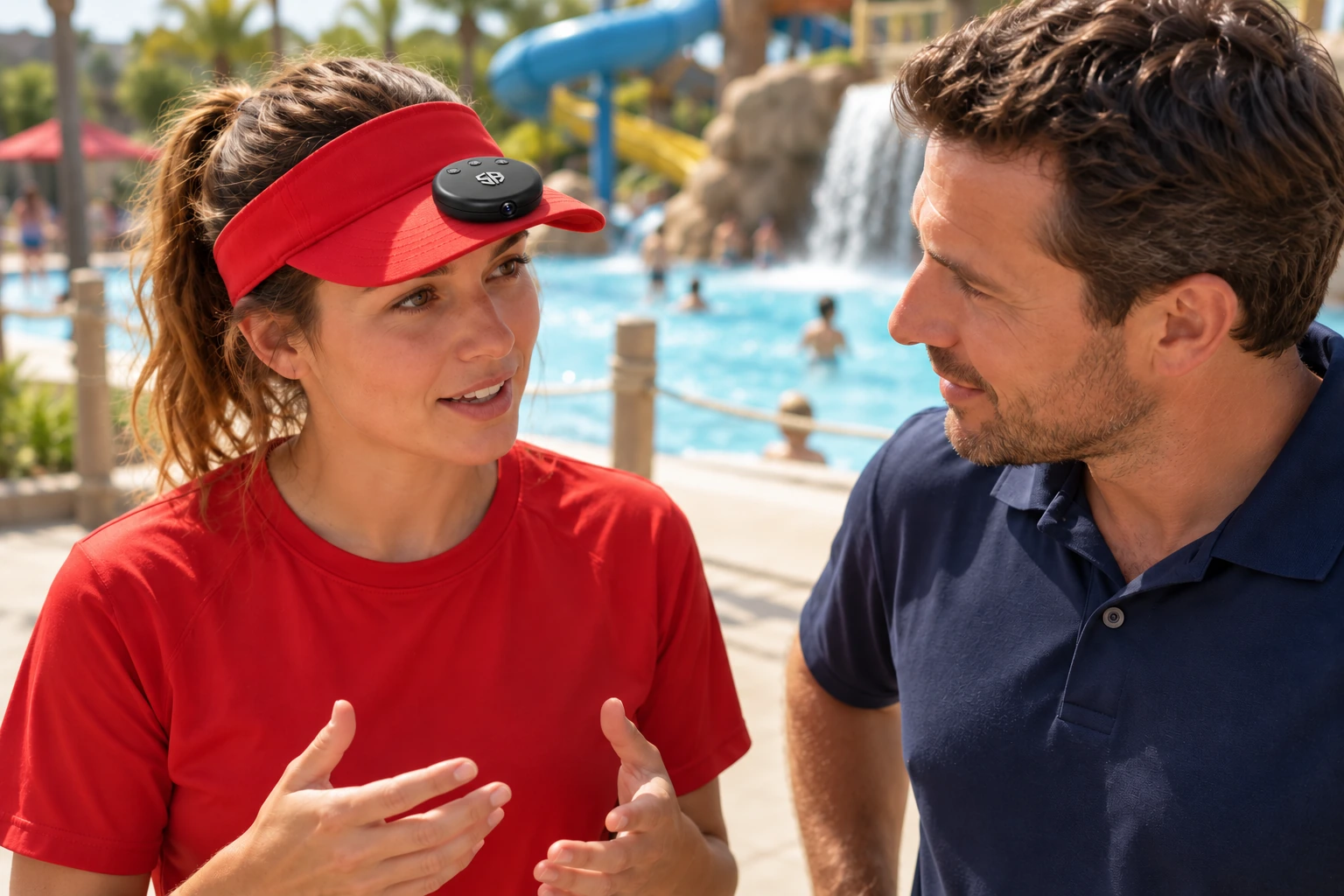
SA-Guard Pro · Workflow & placement
From the assigned guard to the shift record.
- 01Assign a wearable within the shift workflow.
- 02Collect supported scan-pattern and device context.
- 03Use available records to guide coaching and review.
Build it into the guard workflow.
Define assignments, monitoring zones and review responsibilities with your aquatic team. The wearable supports the procedures staff already follow.
- Guard and zone assignment
- Visor mounting, charging and device checks
- Supervisor review and coaching process
Explore the details
SA-Guard Pro portfolio
Hardware, settings and example use cases. Open any image for a closer look.
Bring it to your property
Plan SA-Guard Pro for your property.
Tell us where you want to use SA-Guard Pro. We’ll review its placement, setup and supported workflow with your team.
- ✓ We typically respond the same business day.
- $299/mo for a single facility. Hardware quoted separately.

Hardware, deployment and supported features are confirmed in your site quote. Equipment supports trained teams and does not replace supervision or required safety procedures.
