Access & guest
SA-SafeStay
The guest journey continues at the door.
Connect configured room-access workflows to the property. Support fingerprint and PIN entry options while keeping room access in the same operating picture as the guest's visit.
- Fingerprint and PIN options
- Configured room-access permissions
- Property access context
Scroll to explore SA-SafeStay ↓
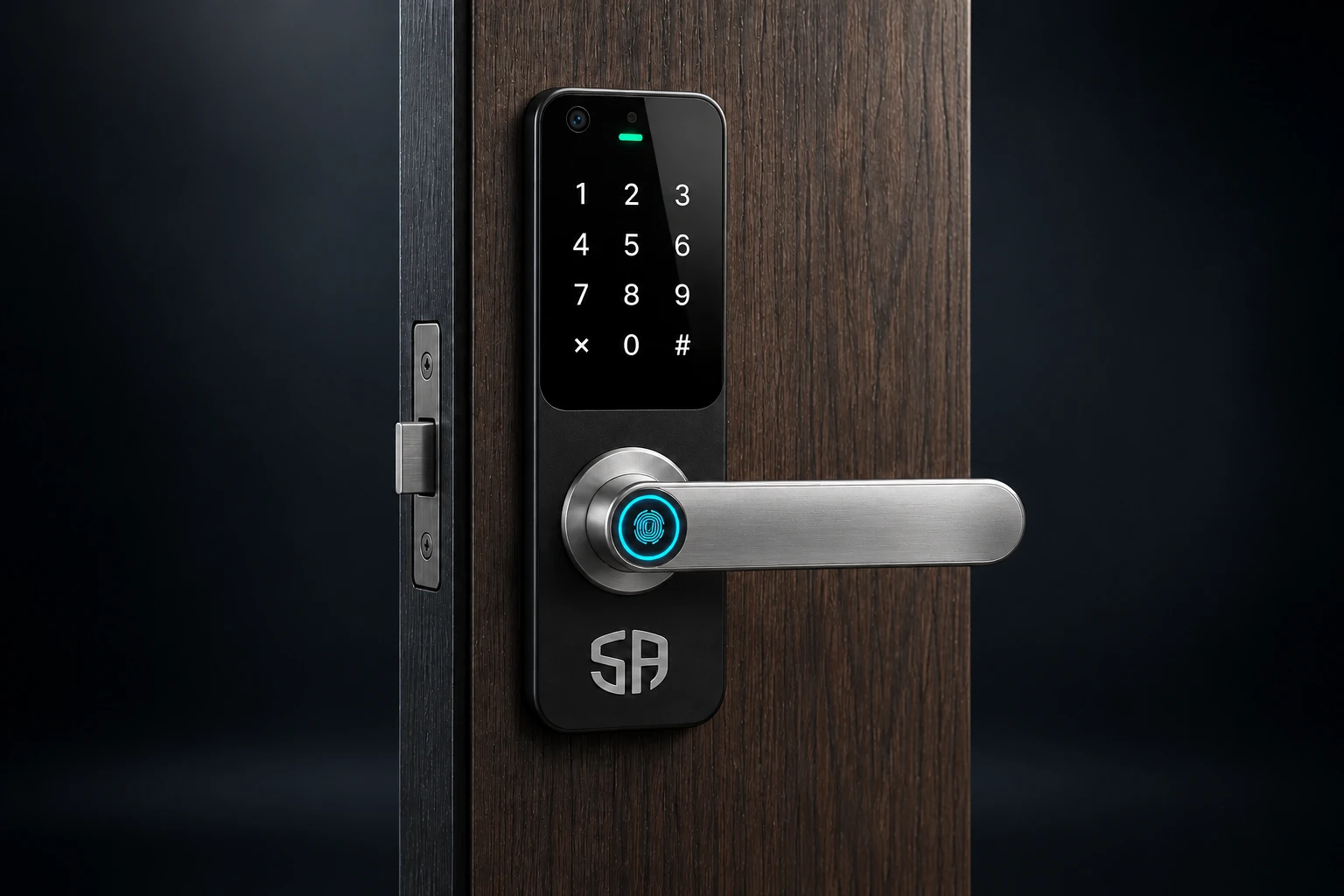
SA-SafeStay · Use case 1
Guest-room entry
Use SA-SafeStay at a guest-room door to support the access methods and permission window configured for the stay. Plan the physical lock fit and the procedure for helping a guest who needs assistance.
- Door construction and lock fit
- Guest access dates and permissions
- Access-support procedure
The room kit: lock and air-quality pucks
Plan SA-SafeStay for your site ↗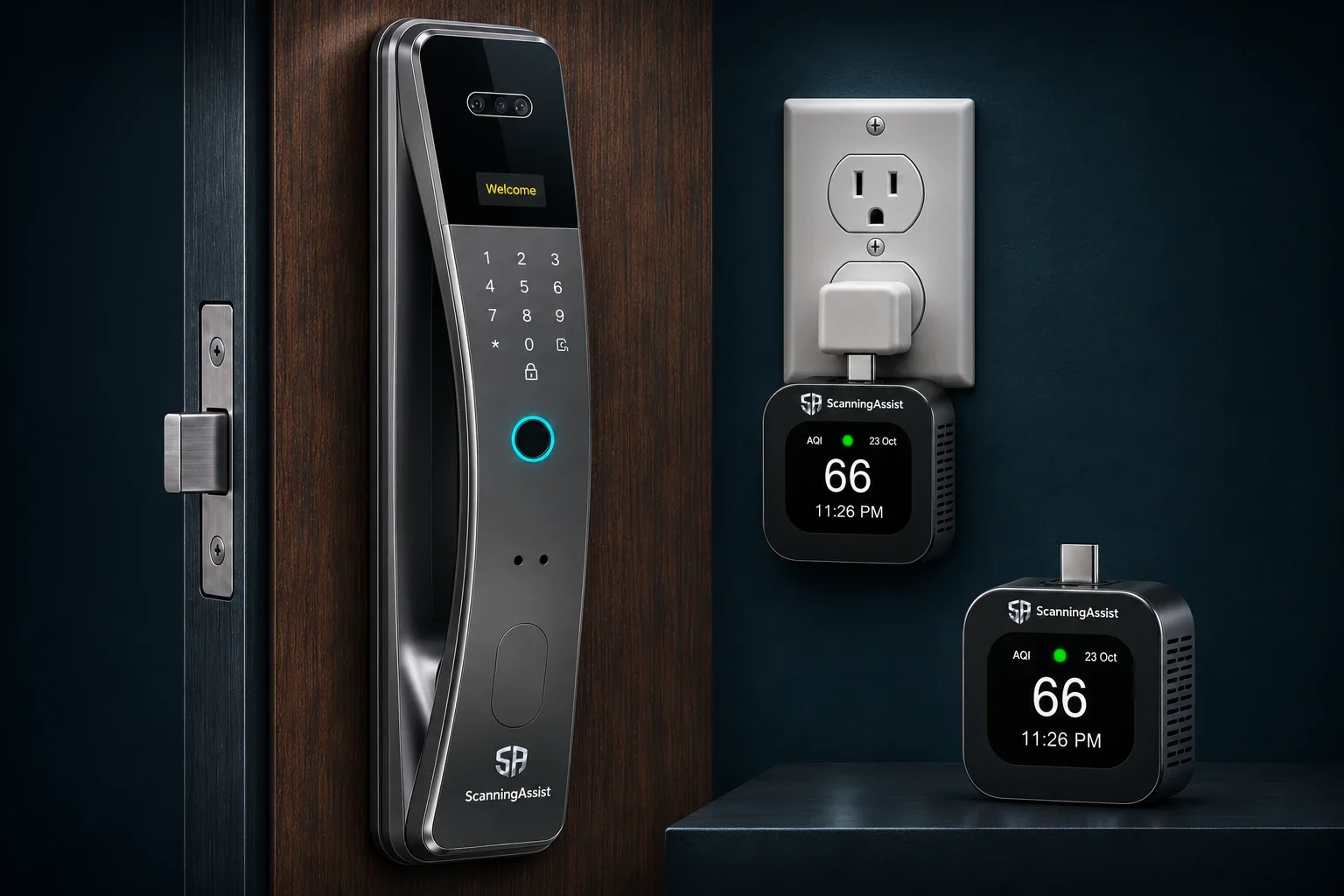
SA-SafeStay · Use case 2
Staff-area access
Apply SA-SafeStay to a suitable staff-area door with permissions defined for the people who use it. Keep the entry method and available access activity aligned with the property's operating procedures.
- Authorized staff roles
- Supported fingerprint or PIN entry
- Permission review and support
Staff-area access example
Plan SA-SafeStay for your site ↗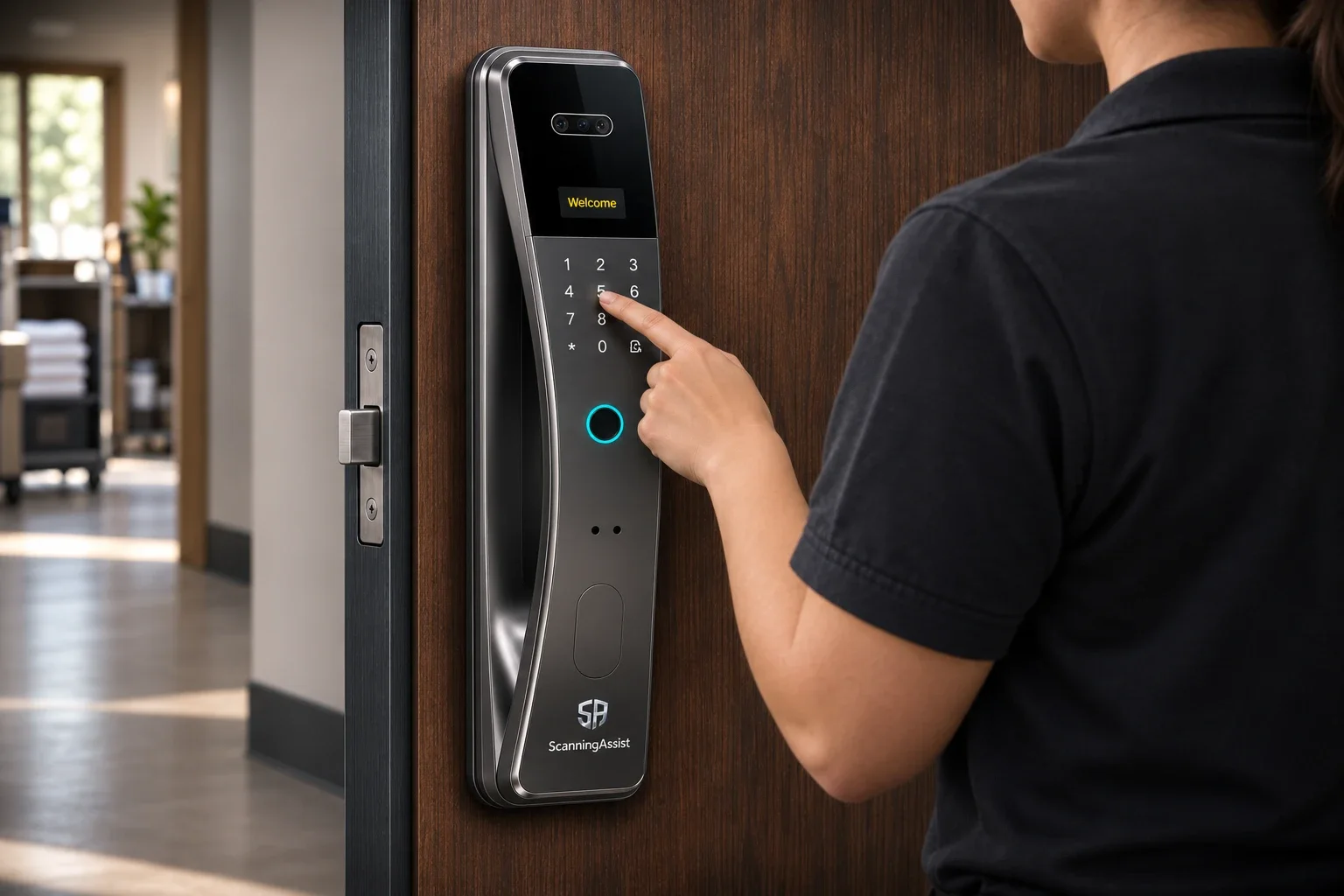
SA-SafeStay · Workflow & placement
A stay, a permission, a door.
- 01Configure the room and supported access methods.
- 02Associate access with the appropriate stay or staff role.
- 03Review available room-access activity in context.
Start with the doors you operate.
Review door construction and supported access methods with your site team. Guest-room and staff-area access may need different permission and support procedures.
- Door and lock fit
- Guest and staff permission windows
- Connectivity and access-support procedures
Explore the details
SA-SafeStay portfolio
Hardware, settings and example use cases. Open any image for a closer look.
Bring it to your property
Plan SA-SafeStay for your property.
Tell us where you want to use SA-SafeStay. We’ll review its placement, setup and supported workflow with your team.
- ✓ We typically respond the same business day.
- $299/mo for a single facility. Hardware quoted separately.

Hardware, deployment and supported features are confirmed in your site quote.
