Aquatic safety
SA-SmartView
Keep the view with your team.
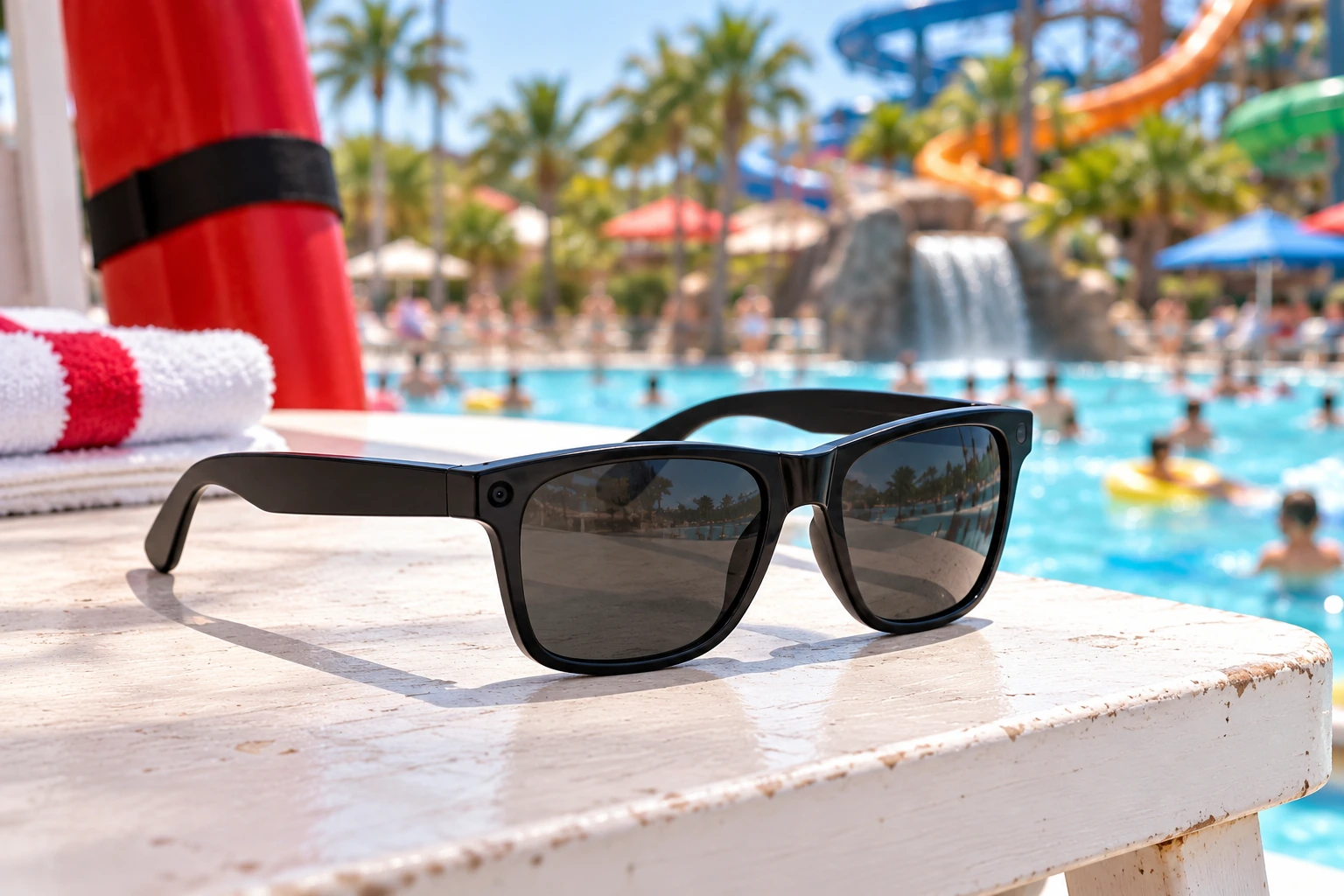
Normal black wayfarer-style frames with a small camera at the outer corner. Assign SA-SmartView to the lifeguard and zone, and connect the available camera context to the team’s configured review workflow.
- Everyday black wayfarer-style frames
- Small outer-corner camera
- Assigned guard and zone context
Scroll to explore SA-SmartView ↓
SA-SmartView · Use case 1
The view from the stand
Assign SA-SmartView to a lifeguard and monitoring zone. The small camera in the black wayfarer-style frame provides available visual context for the configured supervisor review workflow.
- Guard and zone assignment
- Frame fit and camera sightline
- Configured supervisor access
Assigned guard on the stand
Plan SA-SmartView for your site ↗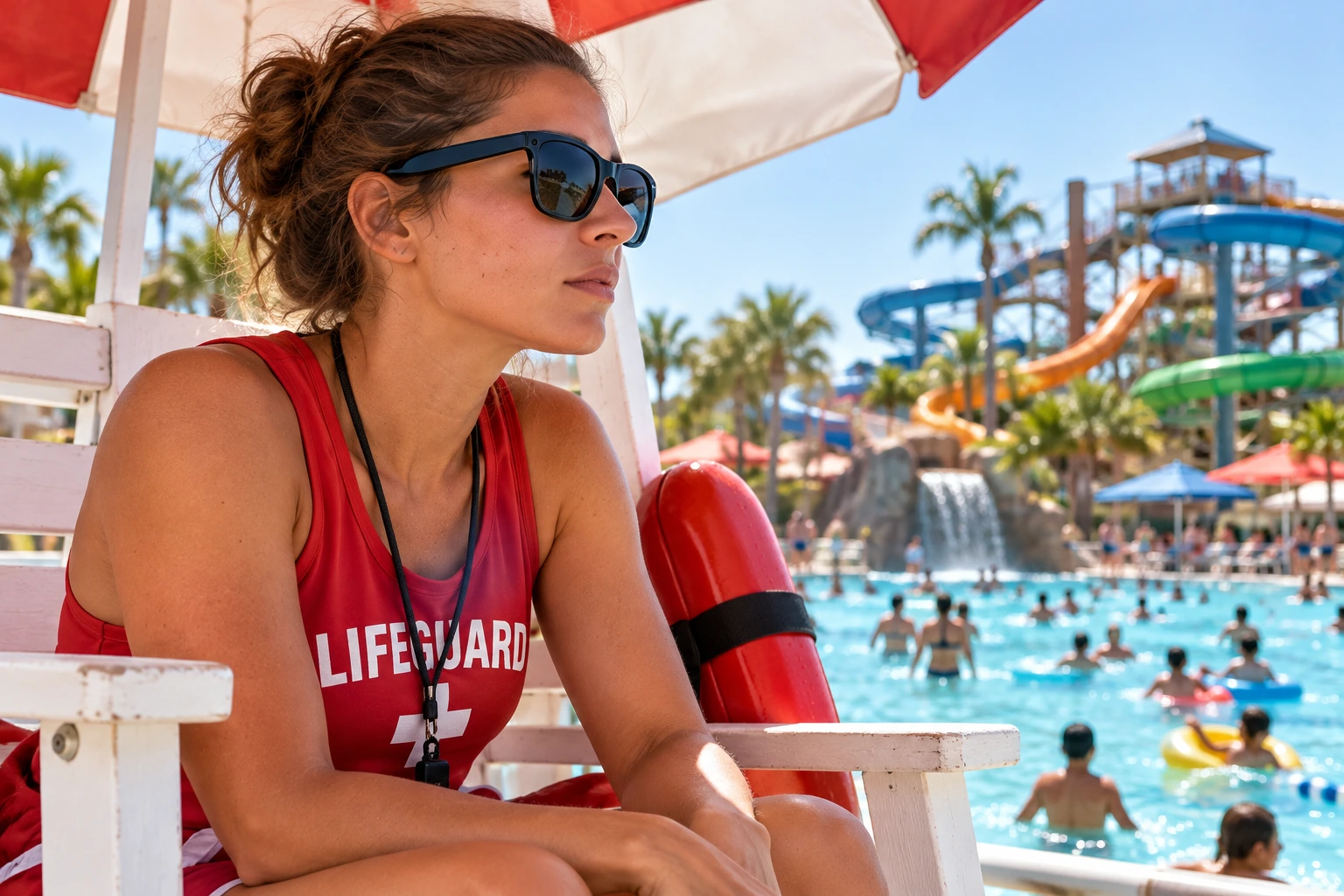
SA-SmartView · Use case 2
Reviewing an assigned shift
Use available SA-SmartView camera context when a supervisor reviews a guard's assignment. Establish which views are available, who reviews them and how the review fits the facility's coaching process.
- Available camera context
- Review responsibilities and procedures
- Device checks between assignments
Supervisor-review example
Plan SA-SmartView for your site ↗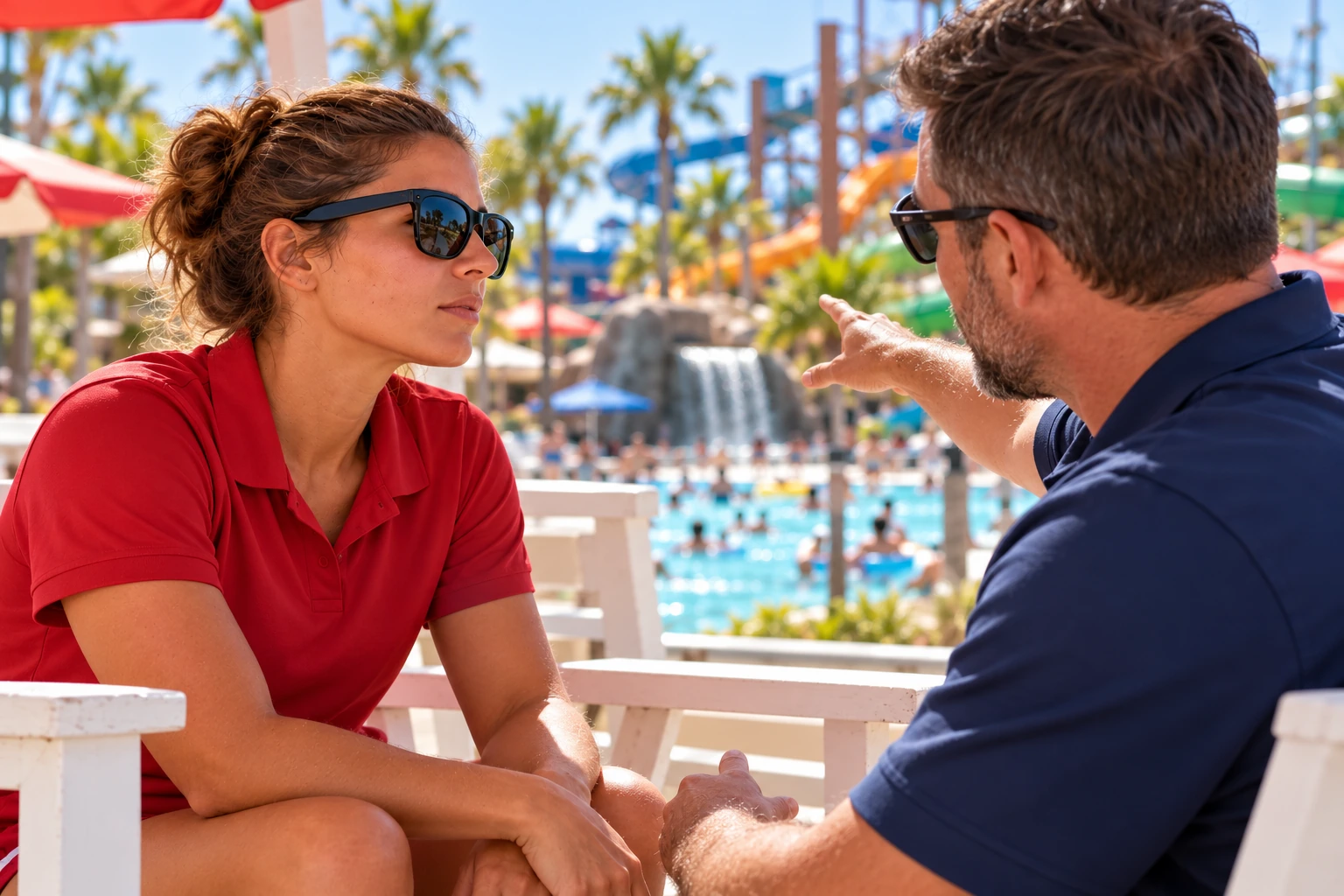
SA-SmartView · Workflow & placement
Connect the view to the assignment.
- 01Assign the glasses to the guard and monitoring zone.
- 02Use the available camera view during the configured workflow.
- 03Review available visual context with the supervisor.
Fit the glasses to the assignment.
Define the guard’s zone and supervisor review process together. Check the fit and available camera view, and confirm the supported functions for the deployment.
- Assigned guard and monitoring zone
- Frame fit and camera sightline
- Configured supervisor review
Explore the details
SA-SmartView portfolio
Hardware, settings and example use cases. Open any image for a closer look.
Bring it to your property
Plan SA-SmartView for your property.
Tell us where you want to use SA-SmartView. We’ll review its placement, setup and supported workflow with your team.
- ✓ We typically respond the same business day.
- $299/mo for a single facility. Hardware quoted separately.

Hardware, deployment and supported features are confirmed in your site quote. Equipment supports trained teams and does not replace supervision or required safety procedures.
