
ScanningAssist for Municipal Aquatics
Bring memberships, staffing, aquatic safety, and reporting into one practical operating view.
Memberships and passes, program and lesson registration, workforce, time clocks, credentials, aquatic safety, incident documentation, and reporting — practical tools for public facilities with public accountability.
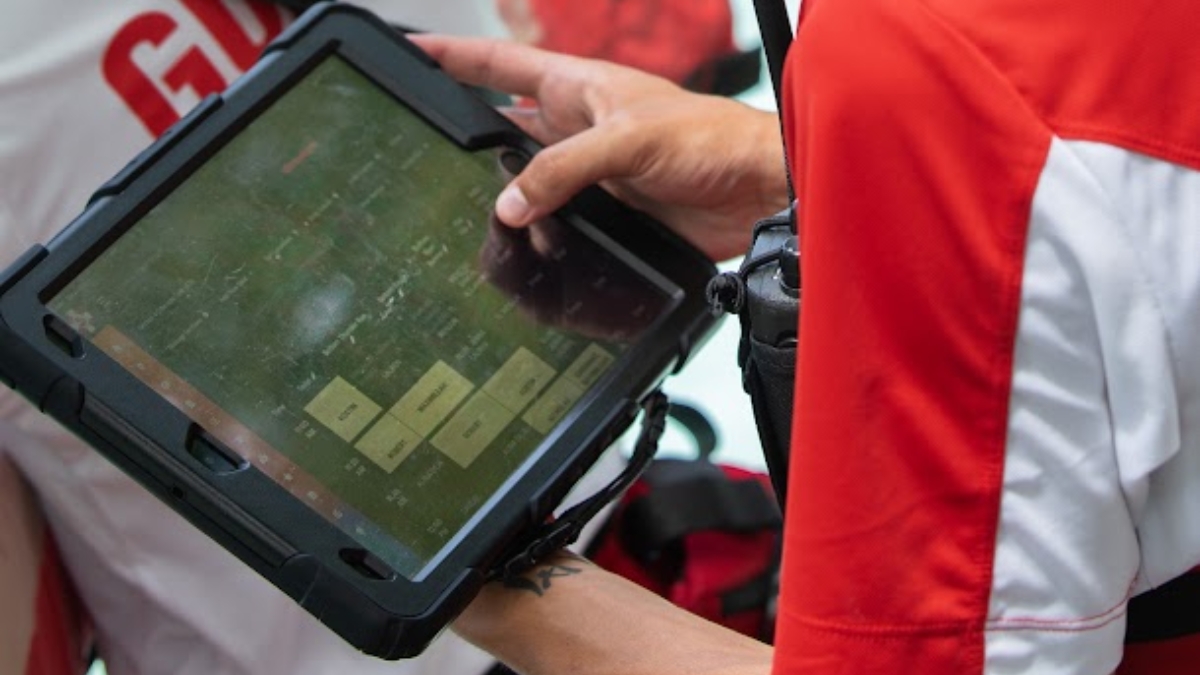
A day on the platform
Public facilities carry public accountability at every step: memberships and passes → program and lesson registration → workforce and time clocks → credential verification → aquatic safety → incident documentation → reporting that stands up to review.
- Residents buy memberships and register for programs online or at the desk.
- Lifeguards clock in with credentials already verified.
- A configured safety event routes to designated staff; acknowledgment is recorded.
- Incident documentation is complete, timestamped, and reviewable.
- Directors report on attendance, revenue, staffing, and safety from one system.
The problems we hear
Program registration, memberships, and point of sale are separate from facility operations.
Lifeguard certification tracking is manual and audit-prone.
Incident documentation must stand up to public and council scrutiny.
Where to begin
Recommended starting suite
For a public pool, the safety record and its documentation are what council and the public ask about first. Beginning with Aquatic Safety & Response puts configured monitoring, routed alerts, acknowledgments, and timestamped incident records in place — then registration, memberships, and workforce join the same system.
Expand when ready
With safety and documentation connected, add workforce and commerce on the same records — so staffing, credentials, memberships, and program registration report alongside the safety history rather than in separate spreadsheets.
Connected hardware
Municipal aquatic decks use the same safety hardware as any pool operation — camera coverage of defined zones, guard wearables, and a fixed alert station where staff need it.
SA-VisionAI
Above-ground and underwater AI camera
Bring live camera context into the operation.
Product detailsSA-Guard Mini
Compact lifeguard wearable
Compact support for everyday zone coverage.
Product detailsSA-Guard Pro
Full-size lifeguard wearable
Support scan and safety monitoring from a full-size wearable.
Product detailsSA-Alert Pro
Fixed emergency alert station
Place a fixed emergency alert station where teams respond.
Product detailsWho uses it
One platform across aquatics, recreation, and the front desk.
Deployment considerations
Deployments respect procurement processes — site assessment and documentation support public review.
Predictable, straightforward pricing is quoted for budget cycles. See the pricing page.
Straightforward pricing quoted for budget cycles — see pricing.
Frequently asked questions
Does the system meet our public documentation requirements?
Alerts, acknowledgments, and incidents are recorded with zone context and timestamps, and can be reviewed for operations and training. Specific records-retention requirements are configured during onboarding.
Can we start with a phased rollout before committing?
Yes. Phased rollout terms are scoped per facility during the demo process — coverage, duration, and pricing are defined before you commit.
Guides for operators
Implementation Guides
Swim Lesson Program Management
Levels, registration, instructors, and lesson safety.
Aquatic Safety
Aquatic Emergency Action Plan
Roles, signals, scenarios, drills, and reviews.
Implementation Guides
Lifeguard Certification Tracking
Expirations, scheduling controls, and seasonal hiring.
Implementation Guides
Aquatic Incident Reporting: What to Record
What to record, timing, near misses, and weekly review.
Parks & Recreation
Funding Aquatic Safety Technology for Public Pools
Budget paths, cooperative purchasing, phased rollouts, and building the case.
Parks & Recreation
Parks and Rec Aquatics Software: A Guide for Municipal Pools
Memberships, lessons, staffing, certifications, incident records, and procurement questions.
Parks & Recreation
Public Pool Safety Checklist for Parks and Recreation
Pre-season, daily, operations, incident, and end-of-season checks.
Aquatic Safety
Lifeguard Scanning Techniques: A Supervisor's Guide
The 10/20 rule in practice, scan patterns that cover the bottom, and how supervisors audit scanning.
Implementation Guides
Drowning Detection Systems Compared
Overhead cameras, underwater systems, and wearables, with vendor-neutral comparison criteria.
Bring your facility into one operating view.
Tell us how your programs, staffing, and safety documentation run today and we will scope a phased rollout for your facility.