
ScanningAssist for Water Parks
Connect the guest journey from online sale to waterline response.
Ticketing, admissions, POS, rentals, F&B, workforce, aquatic safety, and incident review — run from one platform instead of separate systems at the gate, the deck, and the office.
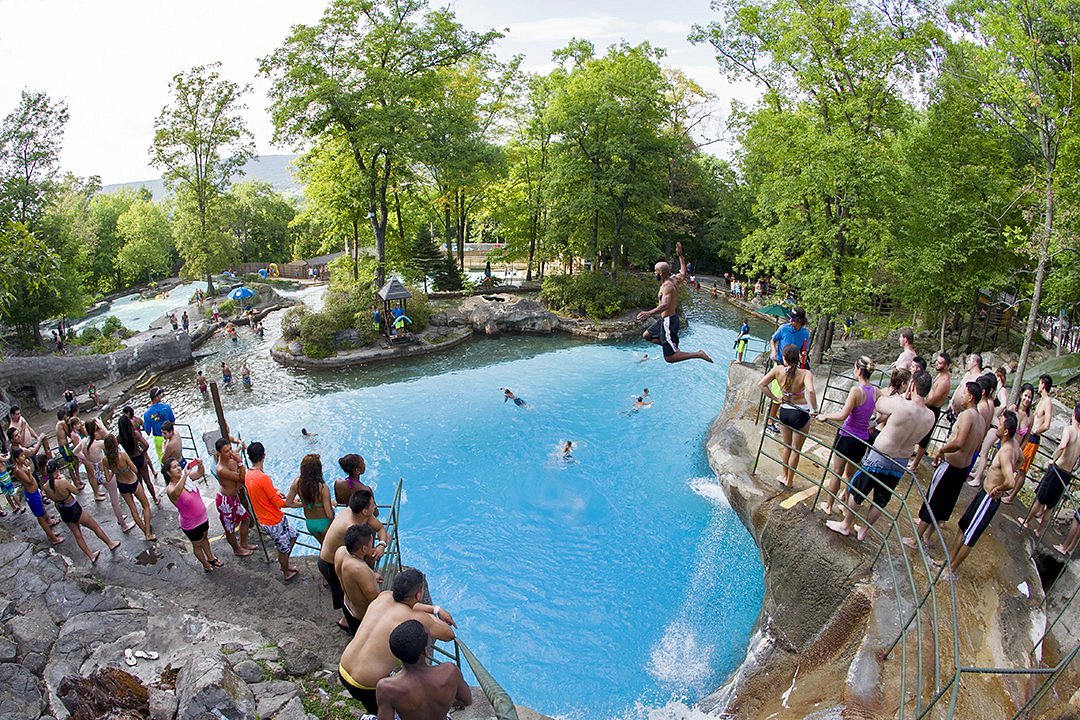
A day on the platform
The chain runs unbroken: ticketing → admissions → POS → rentals → F&B → workforce → aquatic safety → incident review — each step writing to the same guest and property record instead of a separate box at the gate, the deck, and the office.
- A family buys tickets online; entitlements are ready at the gate.
- Rentals and F&B attach to the same guest record through the day.
- Lifeguards rotate with schedules and credentials already verified.
- A configured safety event routes to designated staff with zone context; acknowledgment is recorded.
- Management closes the day from one revenue, staffing, and incident report.
The problems we hear
Gate, POS, and safety systems each keep their own records, so context is lost between them.
Seasonal staffing means constant scheduling, credential, and training churn.
Safety events and incident documentation live apart from the rest of operations.
Where to begin
Recommended starting suite
A water park carries aquatic risk from the first open slide to the last, so most properties begin where the stakes are highest. Starting with Aquatic Safety & Response puts connected coverage, alerting, and reviewable records in place first — then commerce and workforce attach to the same foundation without a second rollout.
Expand when ready
With safety in place, add the guest-facing and back-of-house suites on the same identities, permissions, and reporting — so admissions, spend, and staffing describe the same day the safety record does.
Commerce & Guest Experience
Sell, admit, serve, and recognize each guest through one connected record.
Explore CommerceOperations & Workforce
Connect staffing, time, credentials, shift activity, inventory, and reporting.
Explore OperationsAccess & Property Intelligence
Manage entitlements, doors, assets, alerts, and property-response records.
Explore AccessConnected hardware
These devices tie the deck into the same alert and record workflow the rest of the property already uses — from camera coverage of defined zones to guard wearables, fixed and portable alert triggers, guest safety aids, and connected locker access.
SA-VisionAI
Above-ground and underwater AI camera
Bring live camera context into the operation.
Product detailsSA-Guard Pro
Full-size lifeguard wearable
Support scan and safety monitoring from a full-size wearable.
Product detailsSA-Guard Mini
Compact lifeguard wearable
Compact support for everyday zone coverage.
Product detailsSA-Alert Pro
Fixed emergency alert station
Place a fixed emergency alert station where teams respond.
Product detailsSA-Alert Mini
Compact emergency alert button
Add a compact emergency alert button to smaller zones.
Product detailsSA-SafeGuest
Guest safety wearable
Support guest location and incident workflows with a wearable.
Product detailsWho uses it
One platform, several departments working from the same record.
Customer evidence
In production at a real mountain property
Mountain Creek Resort runs ScanningAssist across its aquatic operations. Read what their team reports — in their words, with their numbers, clearly labeled as customer-reported.
Deployment considerations
Site assessment defines zones, coverage, and staffing workflows before any hardware is placed.
Most properties start with one suite and expand on the same platform.
Frequently asked questions
Does the safety system replace lifeguards?
No. ScanningAssist supports trained teams — it monitors defined zones for configured event patterns and routes context to designated staff. It does not replace required supervision, trained lifeguards, emergency procedures, or certified safety equipment.
Can we start with safety and add commerce later?
Yes. Each suite connects to the same identities, permissions, records, and reporting foundation, so expanding later does not require starting over.
How does pricing work for a seasonal property?
Pricing is built around your deployment — the platform subscription, connected products, hardware, and site work are quoted for your property. See the pricing page for how we structure it.
Guides for operators
Buyer Guides
Switching Water Park Ticketing and POS Systems: A Migration Guide
Scorecard, migration, integrations, and a phased rollout plan for switching ticketing.
Aquatic Safety
Lost Child Procedures
Prevention, checking the water first, searches, and reunification.
Implementation Guides
Lifeguard Hiring and Retention
Recruiting, onboarding, and keeping seasonal guards.
Implementation Guides
Wristband Access Control
Gates, lockers, cashless purchases, and one guest record.
Aquatic Safety
Waterslide Safety
Dispatch, run-out and catch pool supervision.
Aquatic Safety
Wave Pool Safety: A Supervision Guide
Zones, the wave cycle, emergency stops, rotations, and records.
Implementation Guides
Water Park Ticketing and POS Software
Admissions, passes, rentals, F&B, and kiosks on one guest record.
Aquatic Safety
Aquatic Safety Technology: A Guide for Pools and Water Parks
Detection, lifeguard alerting, incident records, and connected operations.
Implementation Guides
Water Park Management Software: A Buyer's Checklist
Ticketing, POS, staffing, certifications, and incidents: what to evaluate.
Aquatic Safety
Lifeguard Scanning at Water Parks
Wave pools, slide run-outs, lazy rivers, and activity pools.
Implementation Guides
Drowning Detection Systems Compared
Overhead cameras, underwater systems, and wearables, with vendor-neutral comparison criteria.
See the water-park operating picture, end to end.
Tell us how your season runs and we will tailor the walkthrough to your gate, decks, rentals, and safety workflows.