Guest identity
One guest record follows the visit from first purchase through every on-property interaction.
 ScanningAssist
Platform
Hospitality, operations, access, and aquatic safety share identities, orders, devices, alerts, and reporting.
The real interface
These are screenshots of ScanningAssist as it runs — not invented dashboards.
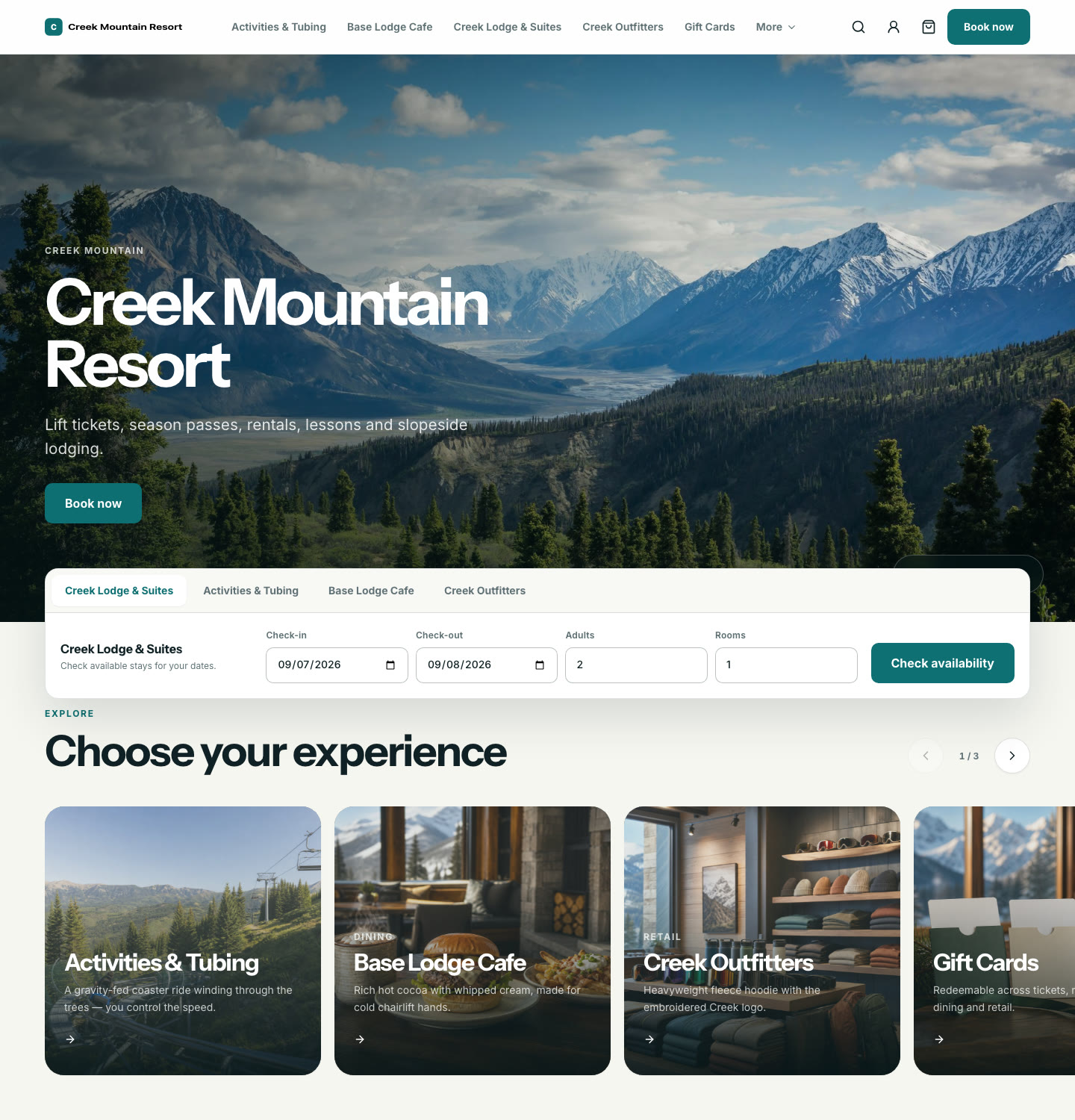
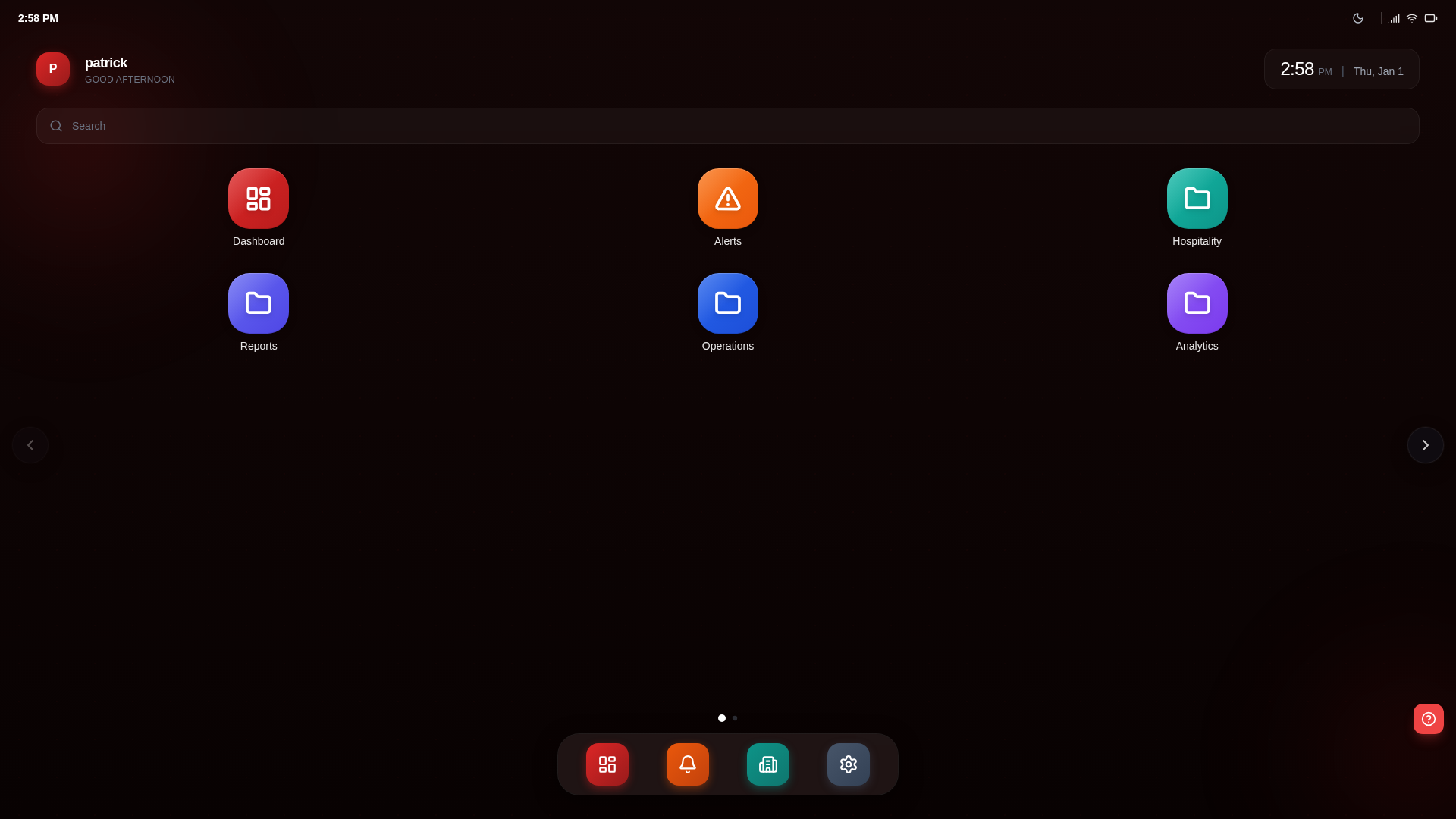
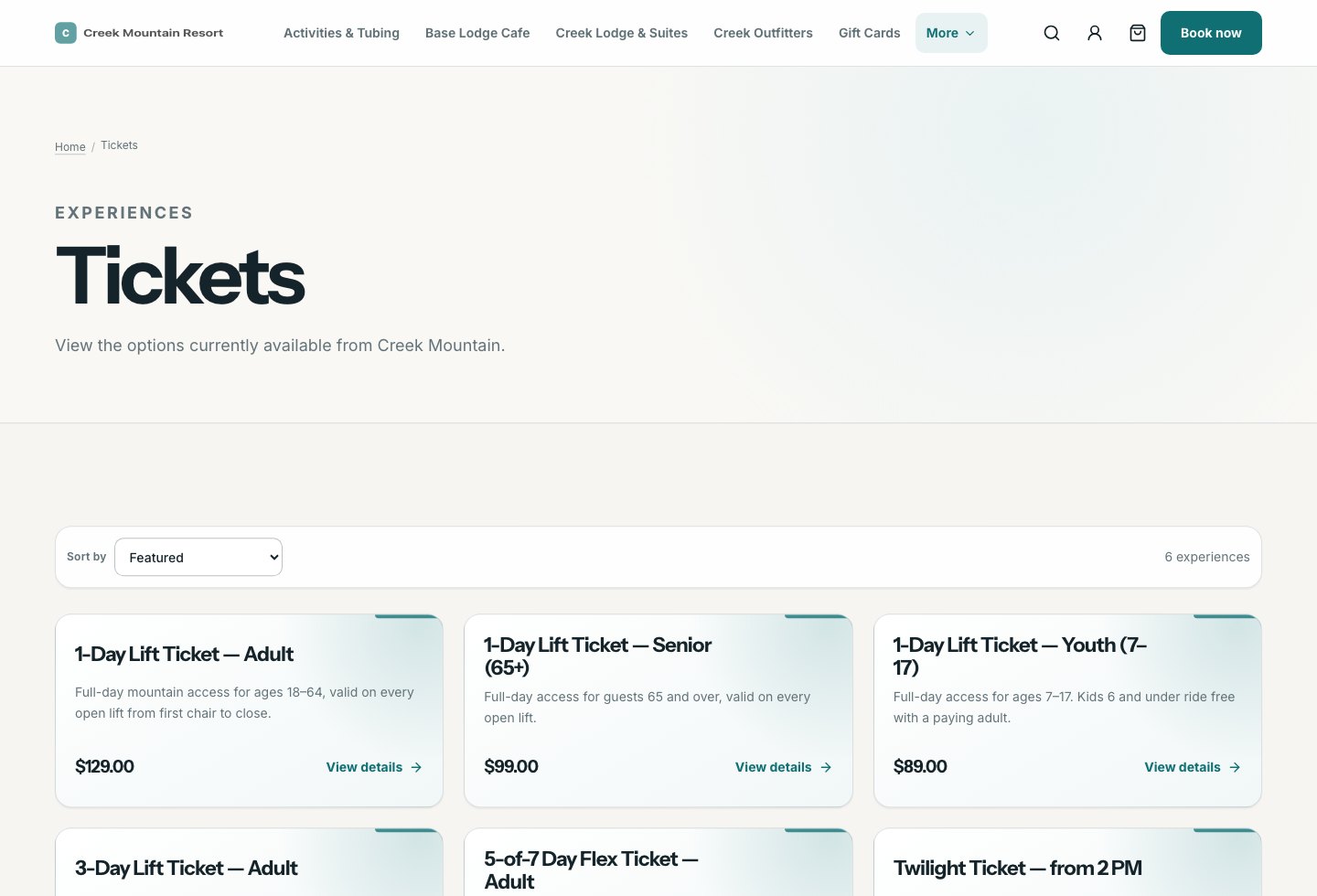
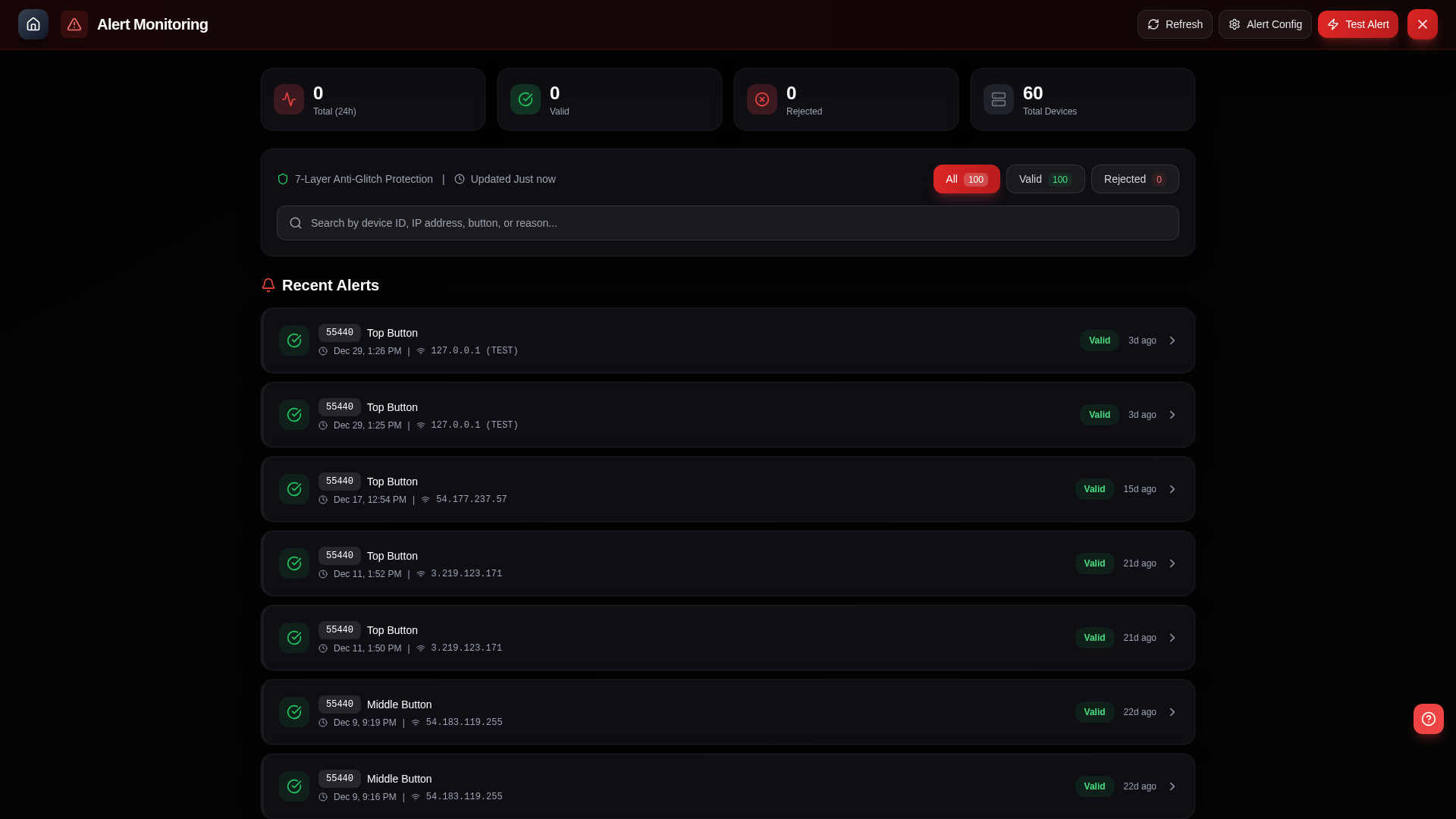
Captured from app.scanningassist.com. Figures reflect the account at capture, not a performance claim. Available modules and views depend on your configuration.
Connected devices
Glasses, cameras, wearables, alerts, kiosks, and SA-Shield — each with its own job, all registered in ScanningAssist.
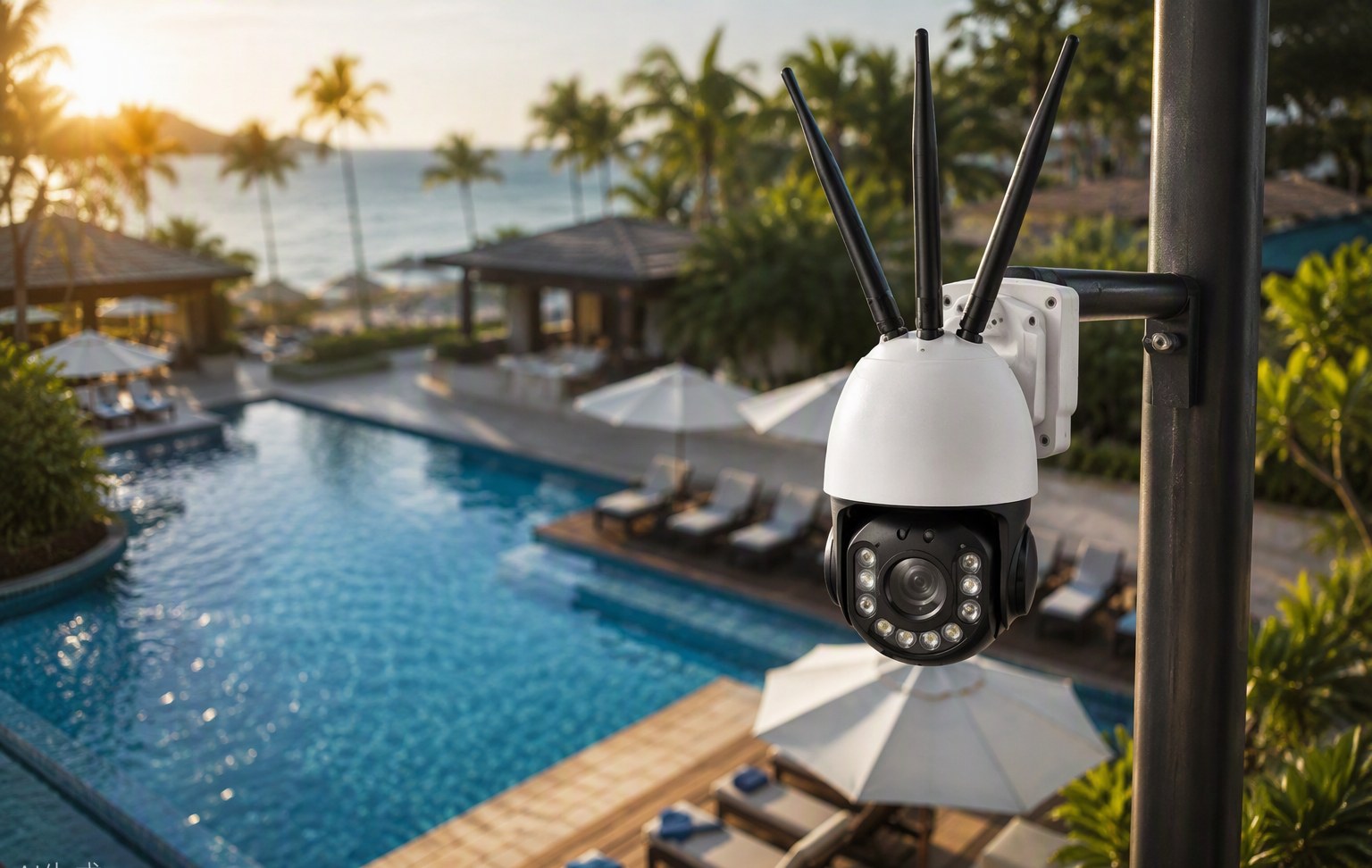
Above-ground and underwater AI camera
Bring live camera context into the operation.
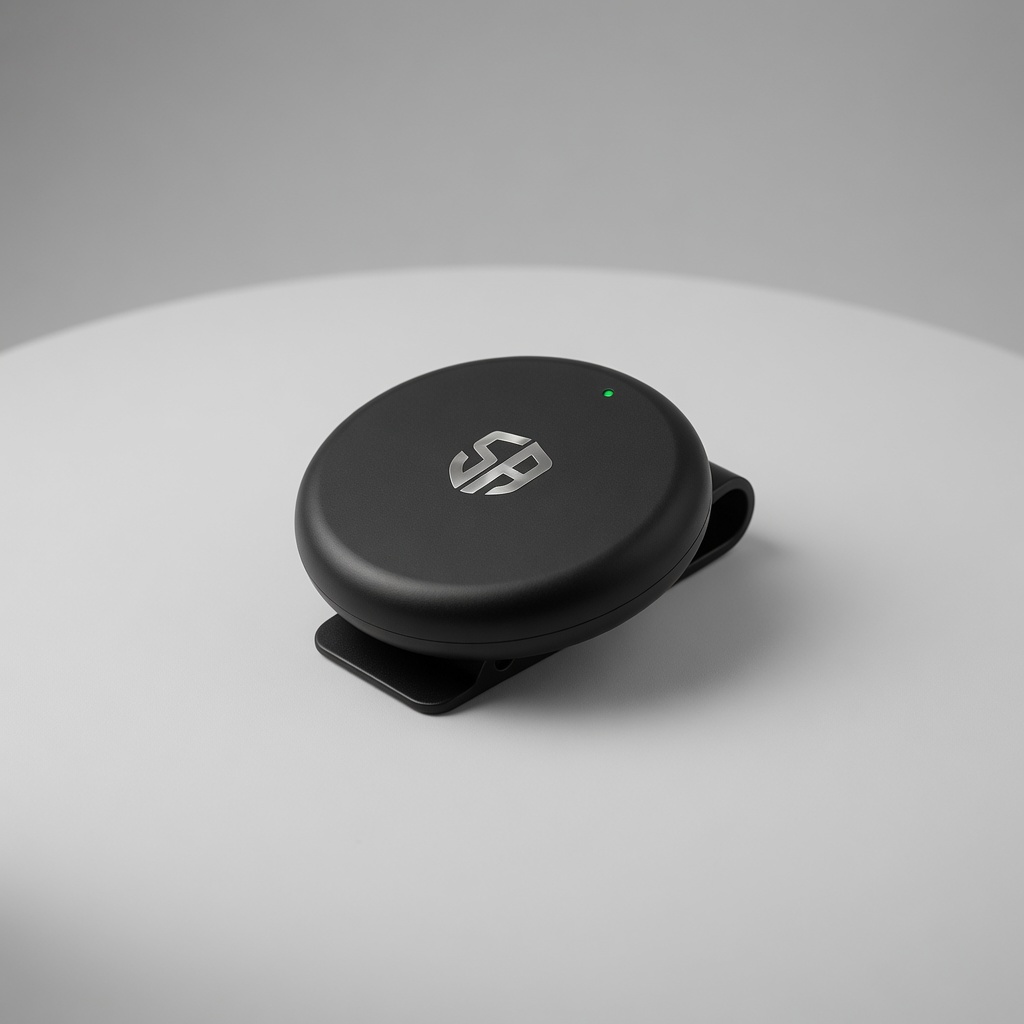
Compact lifeguard wearable
Compact support for everyday zone coverage.
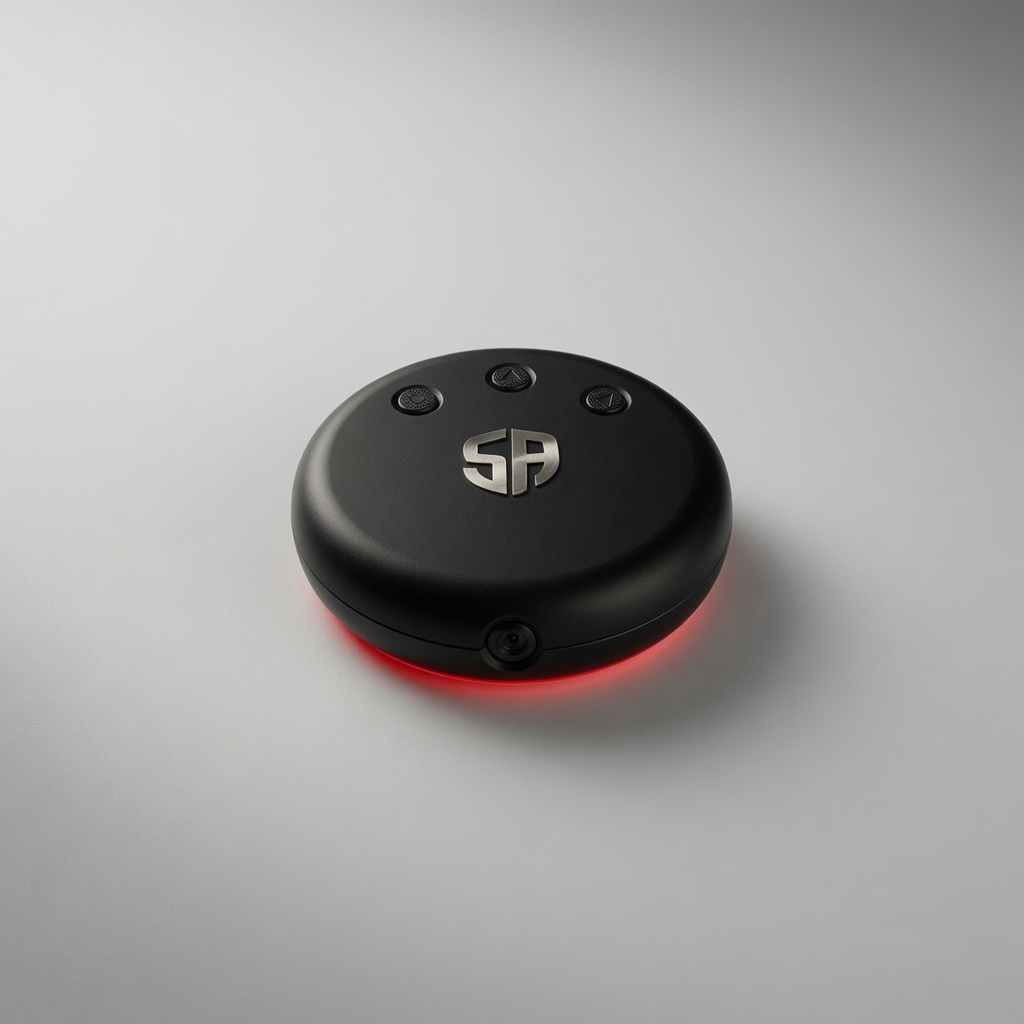
Full-size lifeguard wearable
Support scan and safety monitoring from a full-size wearable.
GPS location tracker
Register GPS location trackers from the Map workspace.
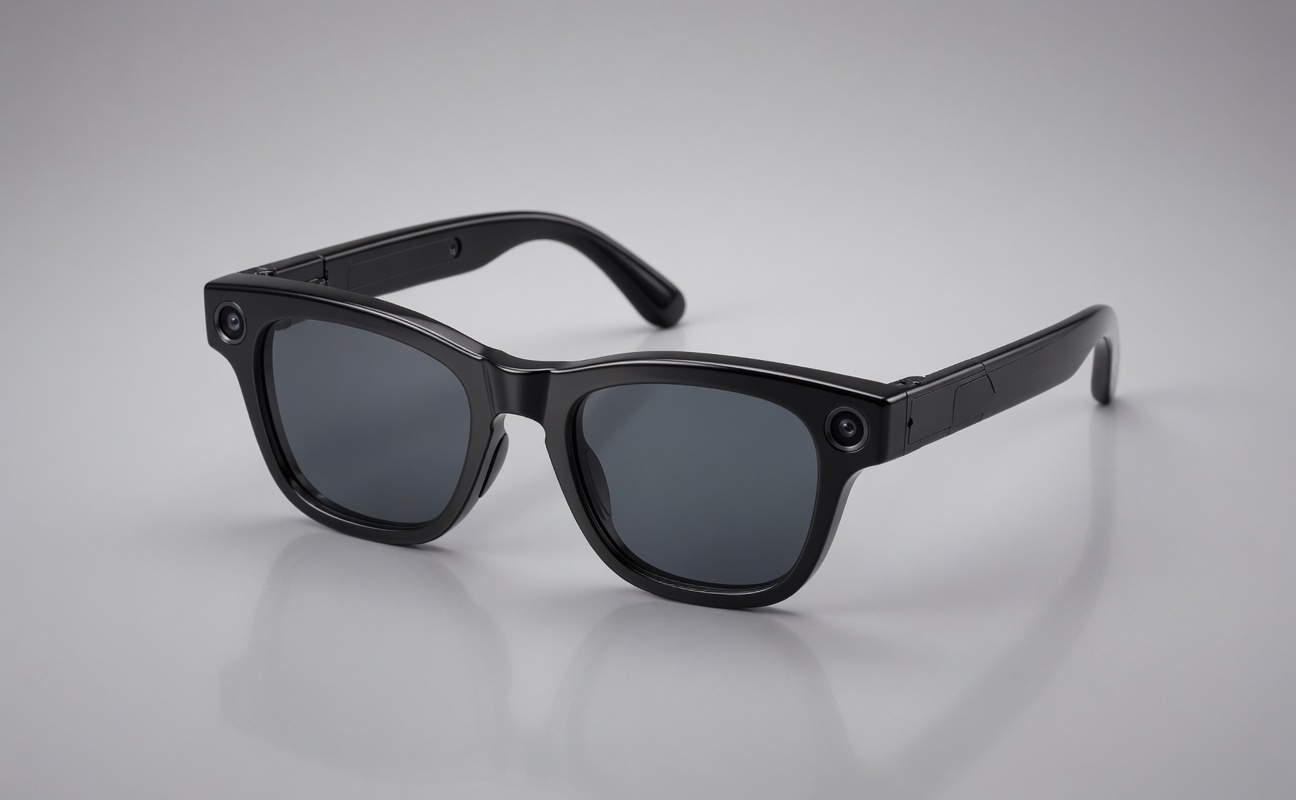
SmartView AI Glasses
Hands-free camera and display for review workflows.
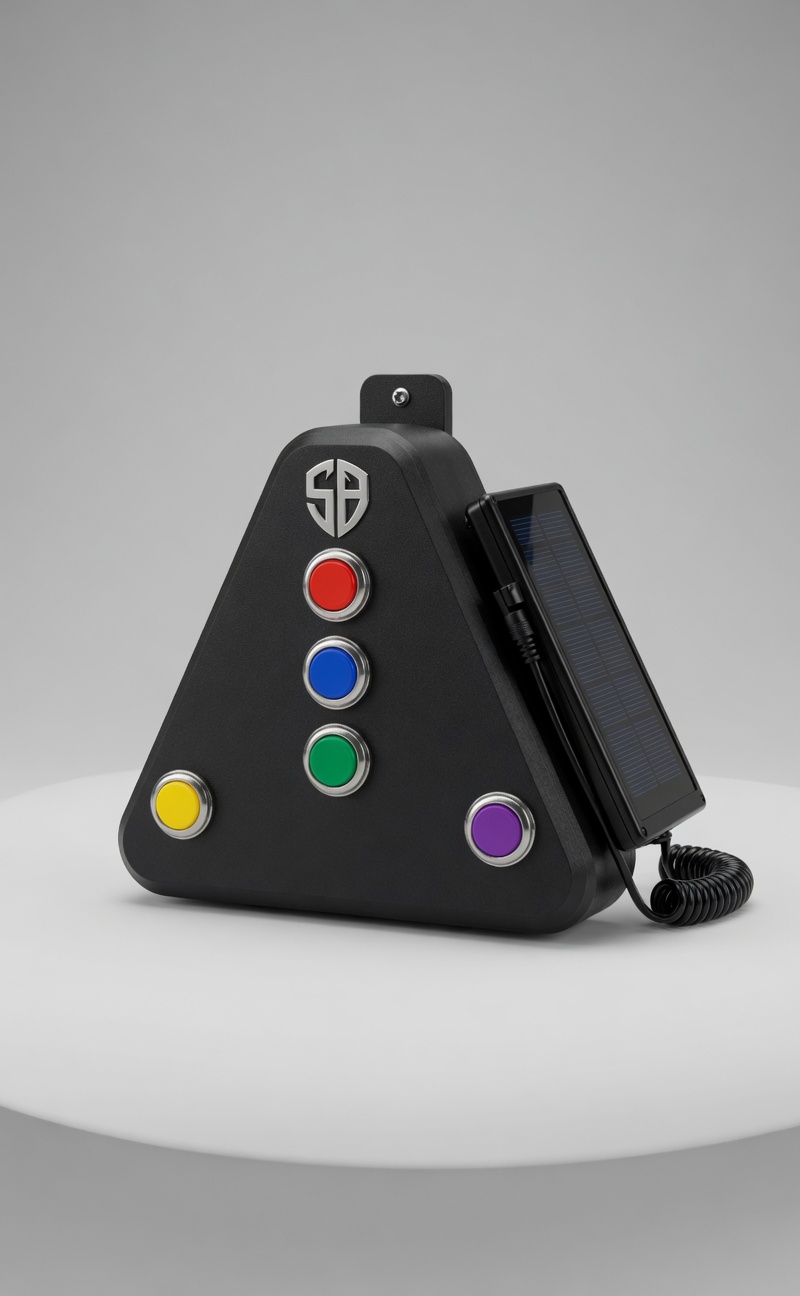
Fixed emergency alert station
Place a fixed emergency alert station where teams respond.
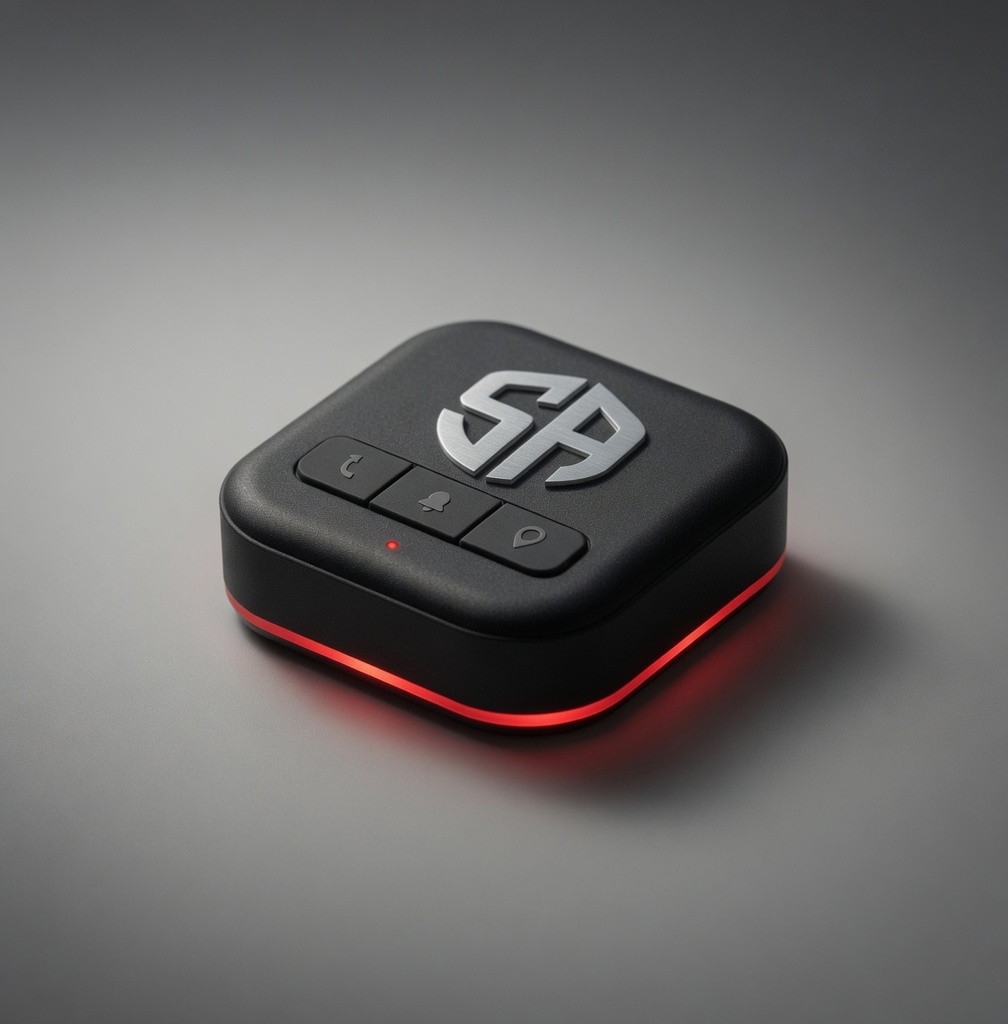
Compact emergency alert button
Add a compact emergency alert button to smaller zones.
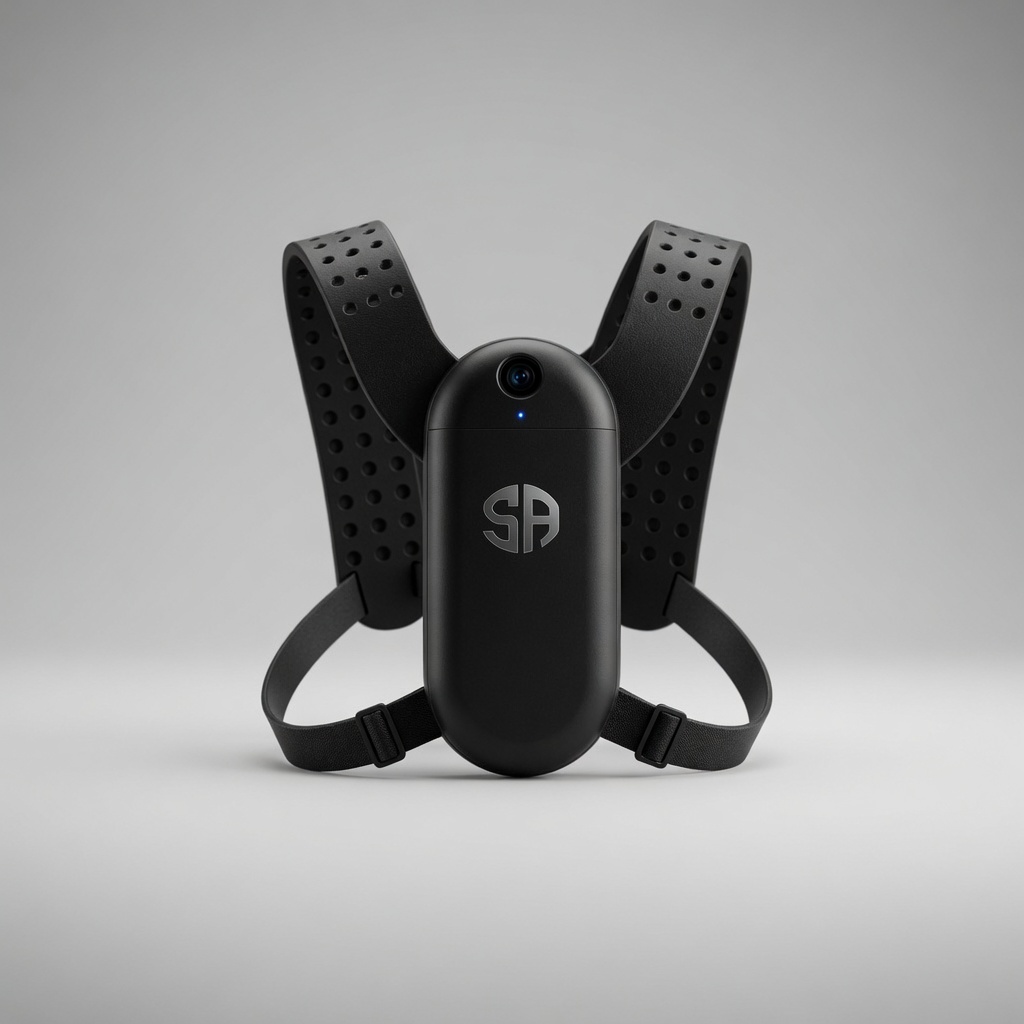
Guest safety wearable
Support guest location and incident workflows with a wearable.
Self-serve ordering and check-in station
Bring ordering and check-in to a self-serve station.
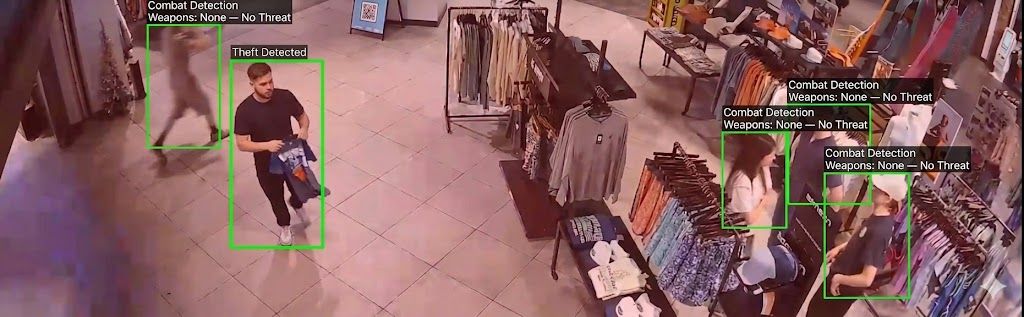
Retail camera intelligence and inventory awareness
Bring shop-floor cameras and inventory checks into the same operation.
One shared foundation
Commerce, operations, access, and aquatic safety share the people, places, and records behind the day.
One guest record follows the visit from first purchase through every on-property interaction.
Roles control what each employee can see and do, across every suite and location.
Every sale, refund, and fulfillment event stays attached to the guest and the location.
What each guest is entitled to — admission, rentals, rooms, lessons — is checked the same way everywhere.
Gates, locks, cameras, alert stations, and registers are mapped to the zones they serve.
Configured events route to the right team with the context that explains them.
Who was notified, who responded, and what happened — recorded and reviewable.
Revenue, staffing, access, and safety reporting read from the same underlying records.
How it connects
A guest record follows orders and on-property interactions. Employee records carry the roles and credentials that define access to the operation.
A purchase or reservation creates an entitlement on the guest record. Admission, rentals, rooms, and other configured workflows check that same context.
Map the gates, cameras, wearables, alert stations, and other connected devices to the places they serve. Available event context ties the device back to the property.
Attach available zone, location, device, and operating context to a signal. Route it to designated teams, record acknowledgments, and review the event afterward. Alert timing depends on site configuration, coverage, connectivity, device status, and event conditions.
Review a shift, a season, or several properties from the same platform. Reporting reads shared records, with local detail and oversight aligned to the user’s permissions.
Control access by role, department, and location. Actions and permissions provide context for review. Read our Privacy and Trust & Security pages for data-handling information.
Tell us what you operate. We will tailor a walkthrough around your priorities.